I’m really impressed with what I’ve seen so far with this application.  Here are just some starting ideas for automation. I have lots of ideas as I have used many different automation software.
Automation Development
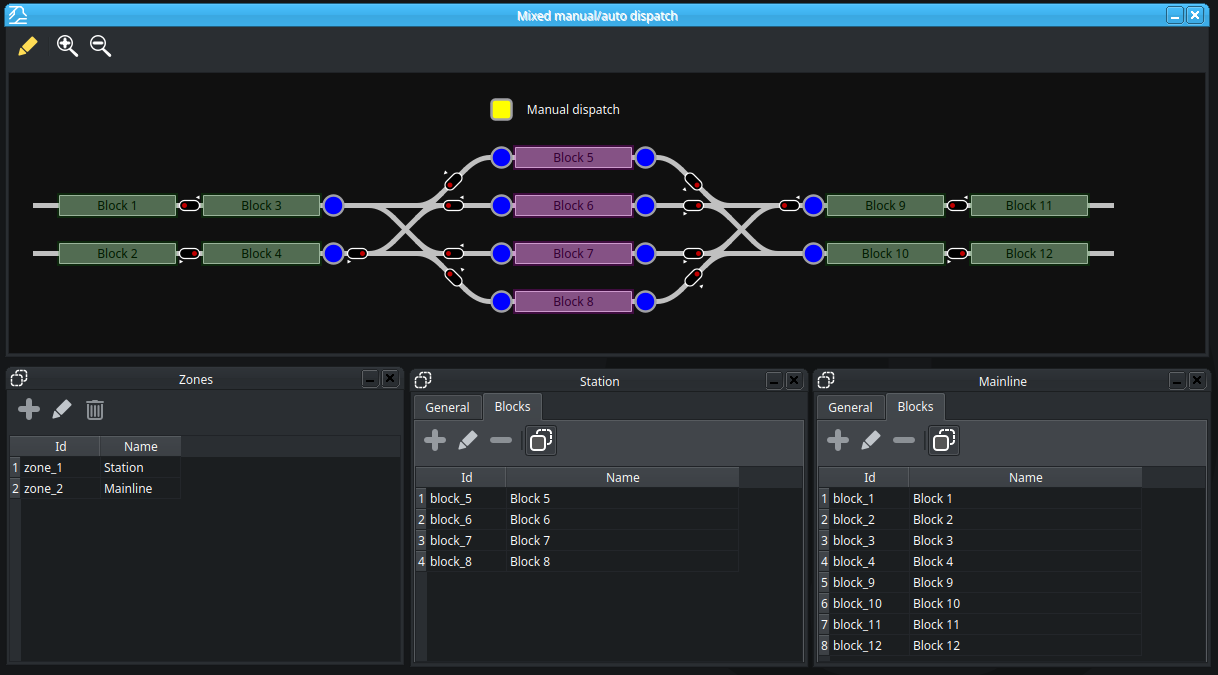
I believe once the backbone of the application has been well tested for manual operation of train running, then automation should be the next top priority. It’s nice to have trains automatically running on the layout while an operator does some manual switching and when the operator happens to need a block in a route, knows the system will automatically stop the route until that block becomes clear.
This development should be done in stages – from basic to complex. Here is what could potentially be the first stages.
I agree with the comments/suggestions added by kamil00110.
Routes
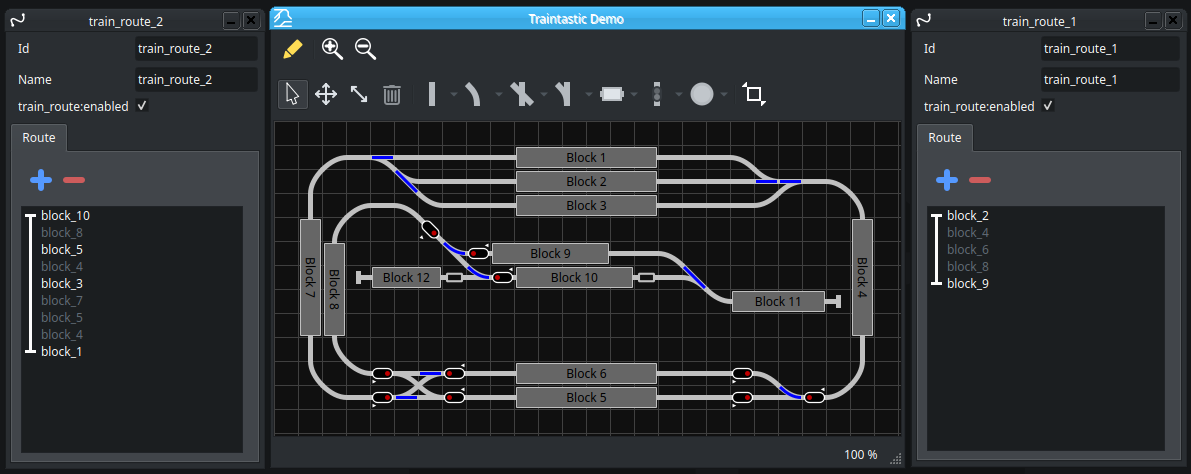
First, need the ability to create and save routes. Initially, this would just entail selecting starting and ending blocks and the appropriate blocks between these two. These routes would act on any train type that is currently in the ‘Start’ block. Eventually, these could be scheduled, started by buttons on the Board and designated for only specific types of trains (ie, passenger, freight, etc)
Basic Automation
Start a Route by any number of options:
- Manually – select the route and click Start
- Via button on Board
- Programmatically - Via another Route, sensor condition, block condition, script program
- Scheduled – starts at a designated time.
What occurs when route is started:
If a train is in the starting block, then system attempts to reserve the blocks in the route and if say, the first two are available, start the train and proceed until it reaches the last available block. Here it stops and waits while it continually attempts to reserve the next couple of blocks (ie. Other trains have cleared those blocks). This dance continues until it reaches the final block where it stops based on the block sensors, or distance into the block. If the blocks selected have different paths to the same ending block, the system will decide which is the best path depending on different rules (blocks already in use, blocks designated for specific directions, blocks designated for different train types, priorities)
Some potential Next Steps for Route Development
Once, this basic automation is working, then start to add in the other complexities such as:
Add route specifics to a Route dialog box
- Add conditions to for which train will run the route.
- Add ability to do something when the route ends (ie. Start another route)
- Run only for specific trains or group of trains. (would require the ability to create type of trains as a group and add the trains to the them) This would ensure that if a freight train was in starting block of a route it wouldn’t run if it was designed only for passenger trains.
Create different route types
- Basic Route - (Default) Run once
- Out and Back - start same route in reverse direction and complete x many time
- Loop Route - Allow a route to be run x many times (start and end blocks are the same)
Each block in that route has specific block properties
- When entering/exiting that block route then do something (ie. blow horn, play a sound, start a script, start another route)
Add ability have multiple Start and End blocks. This would allow automation of a point to point operation from one yard to another yard and the system would randomly select which train to start (if they all have the correct type of train in them) and randomly pick from any empty tracks at the end to finish in.

 I’m sure a lot of customers are quite upset as this was sold as a commercial product and quite a number of museums use it to run their layouts. It’s too bad, because the newer versions had some really cool additions to the product.