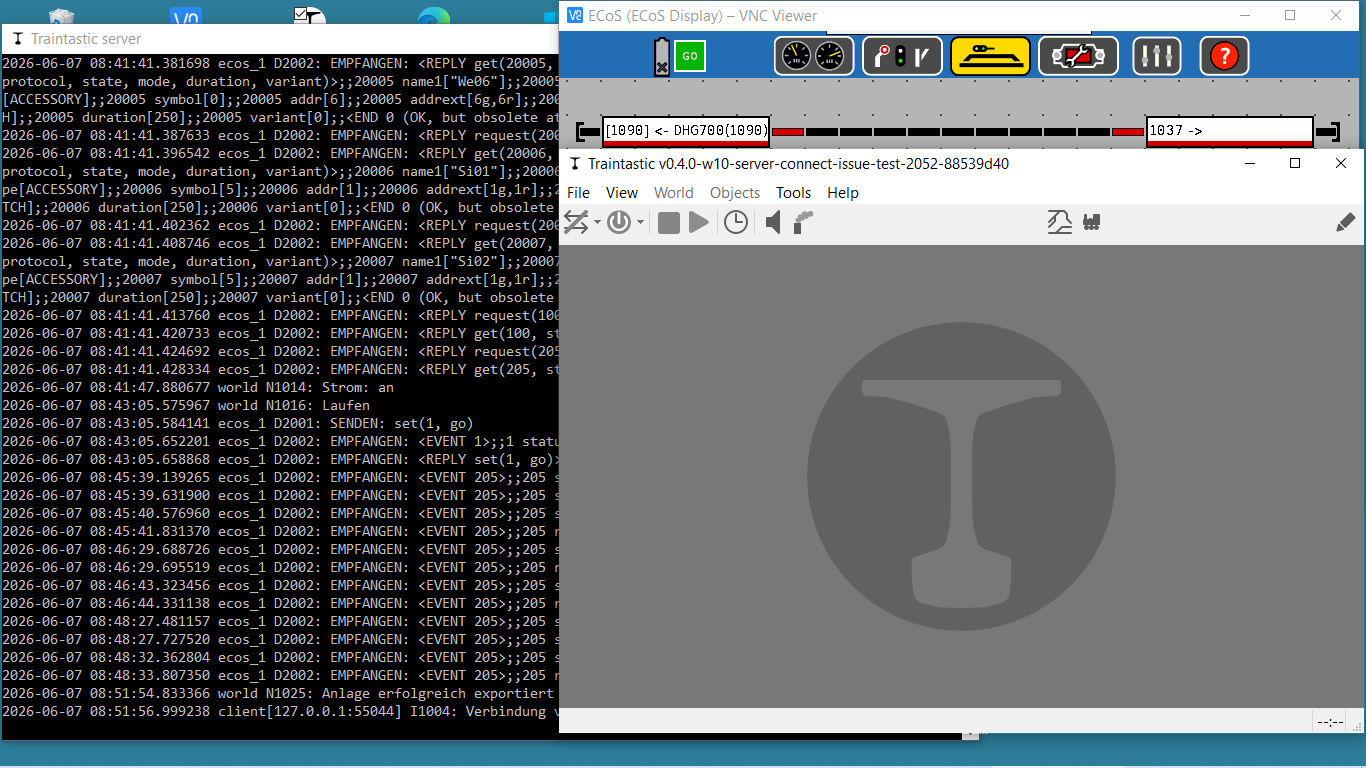
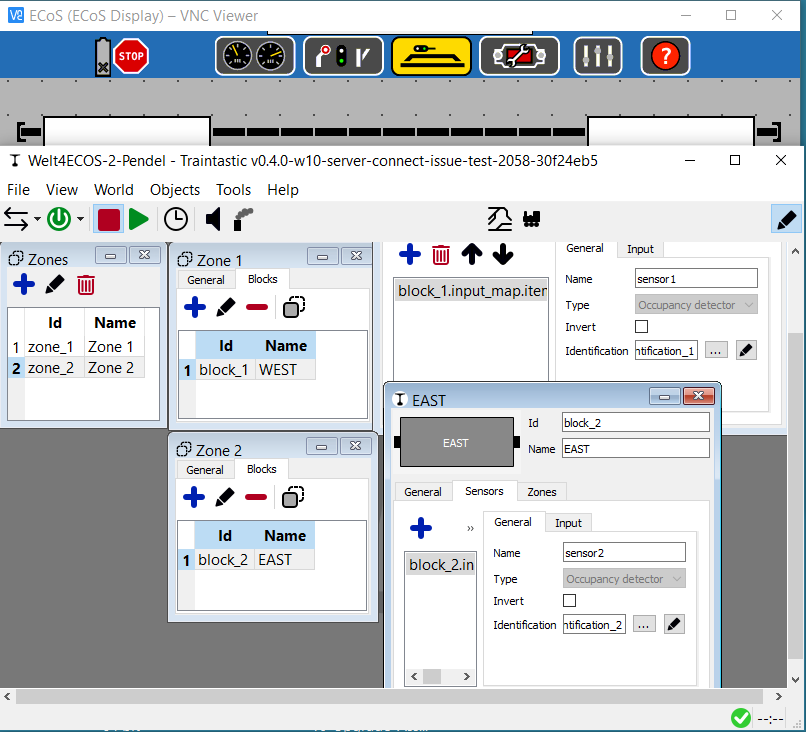
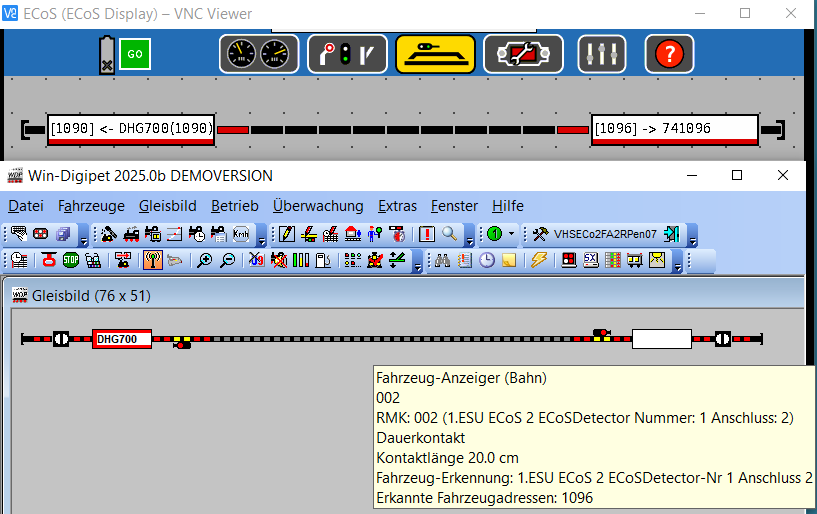
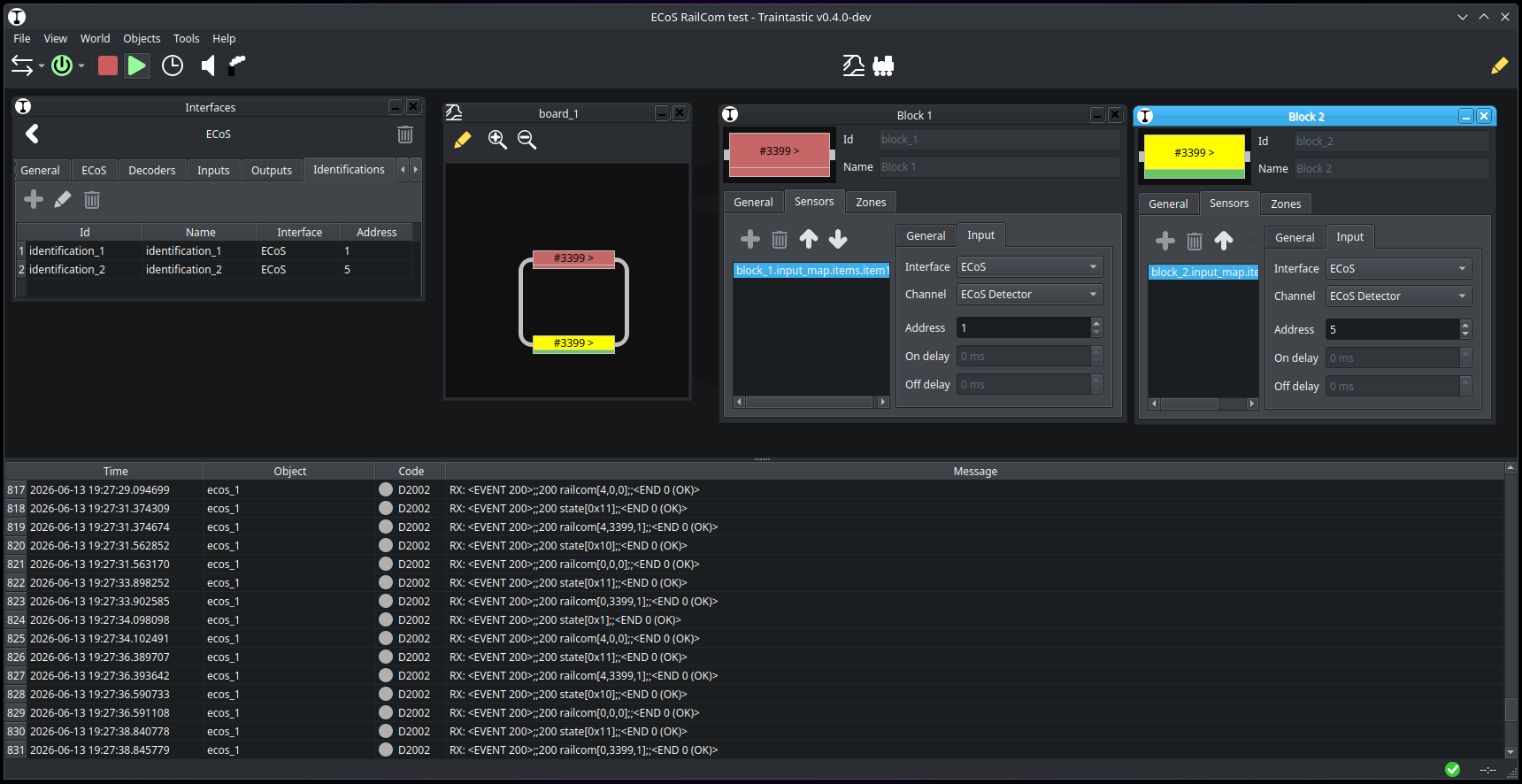
Good Sunday morning Reinder,
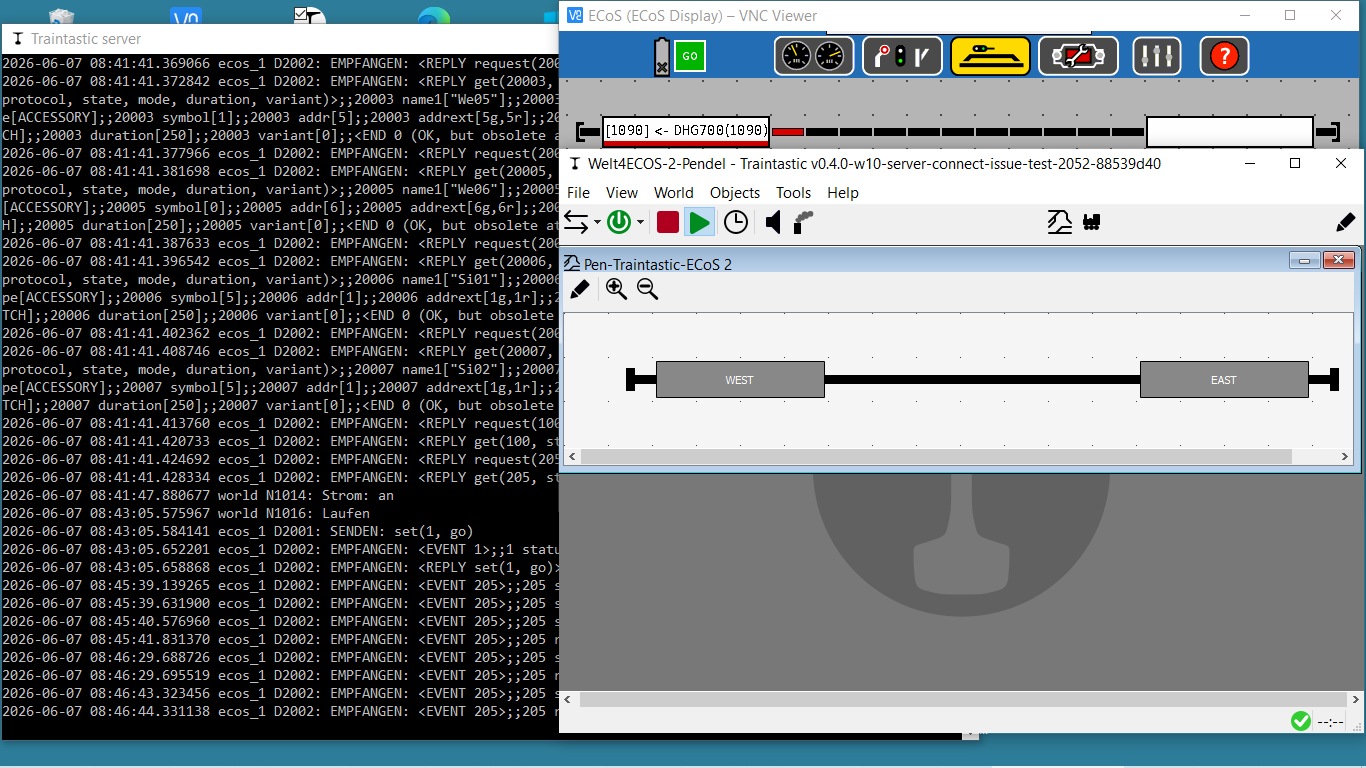
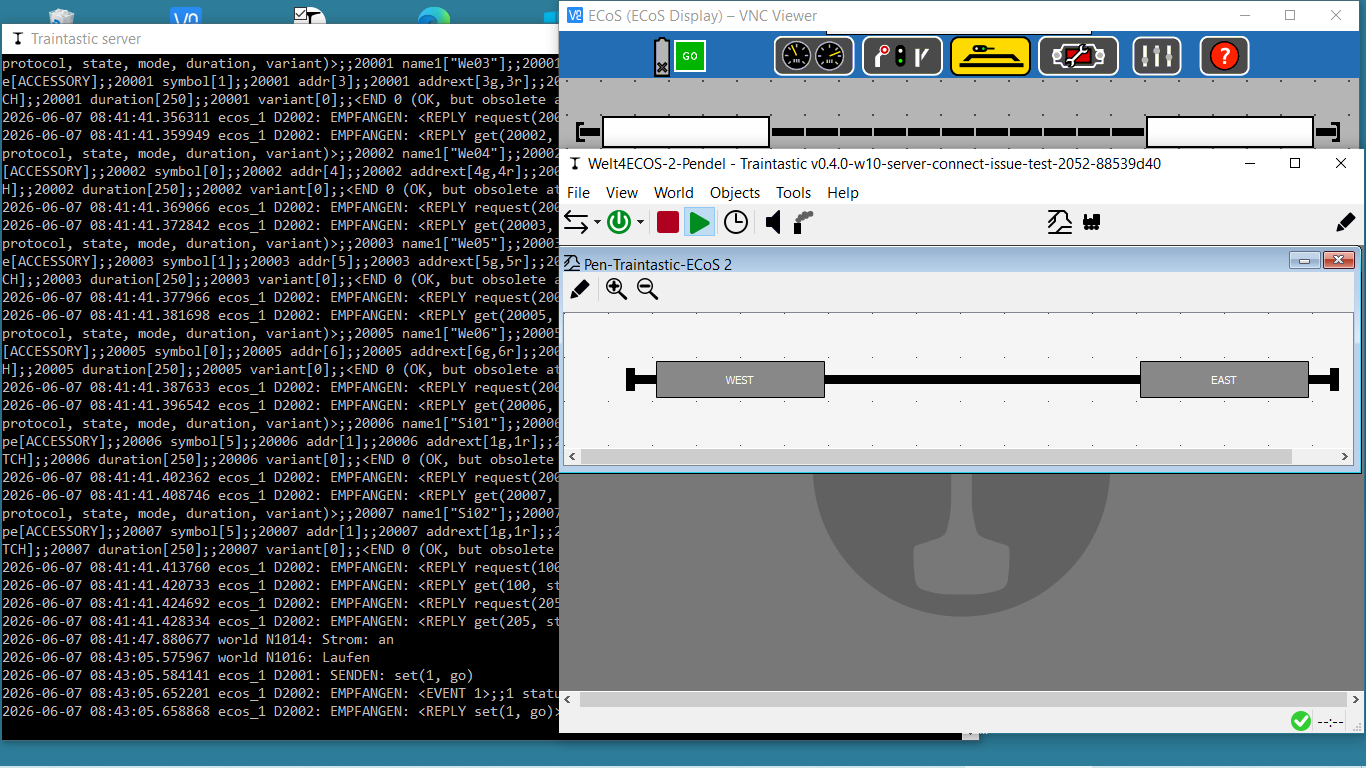
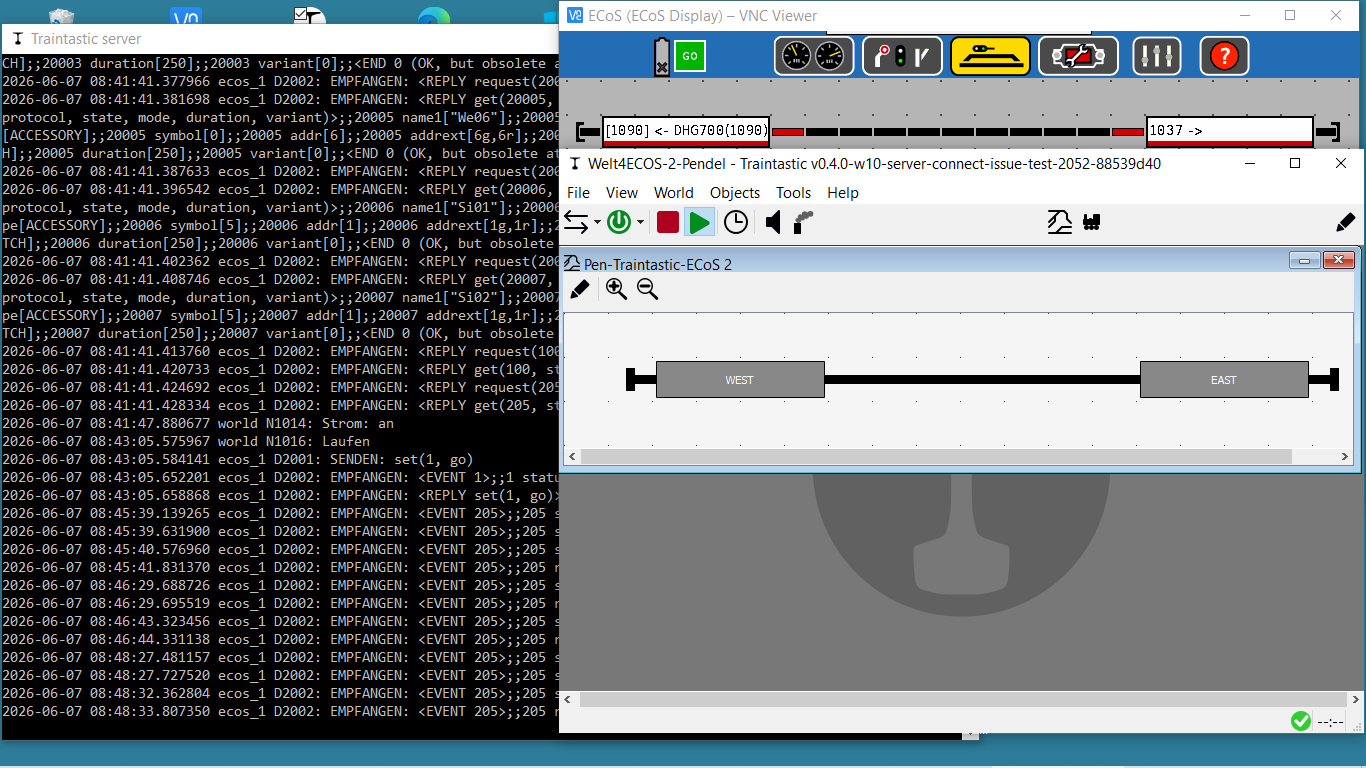
should all the Detector-Ports be empty while this “communication init”, should I put the DHG700 in another Test on the Track and “flip”?
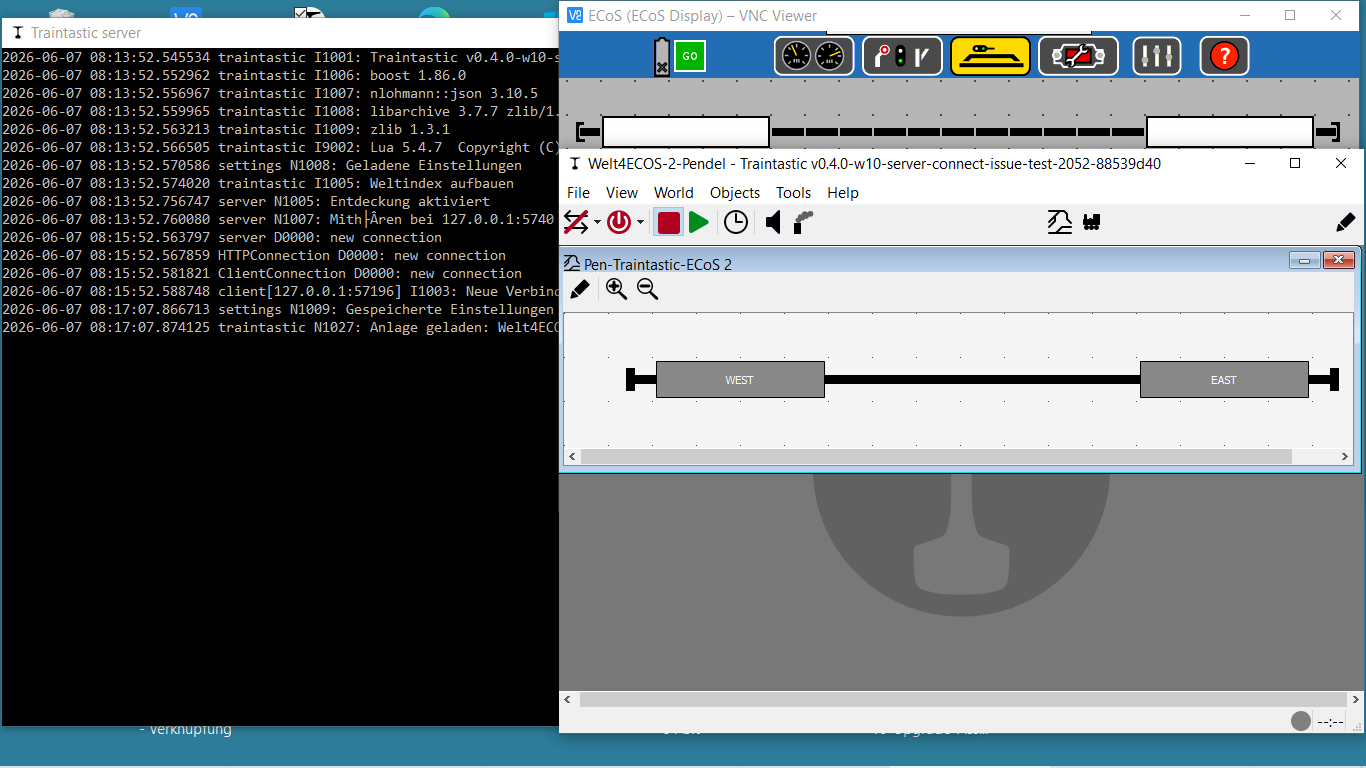
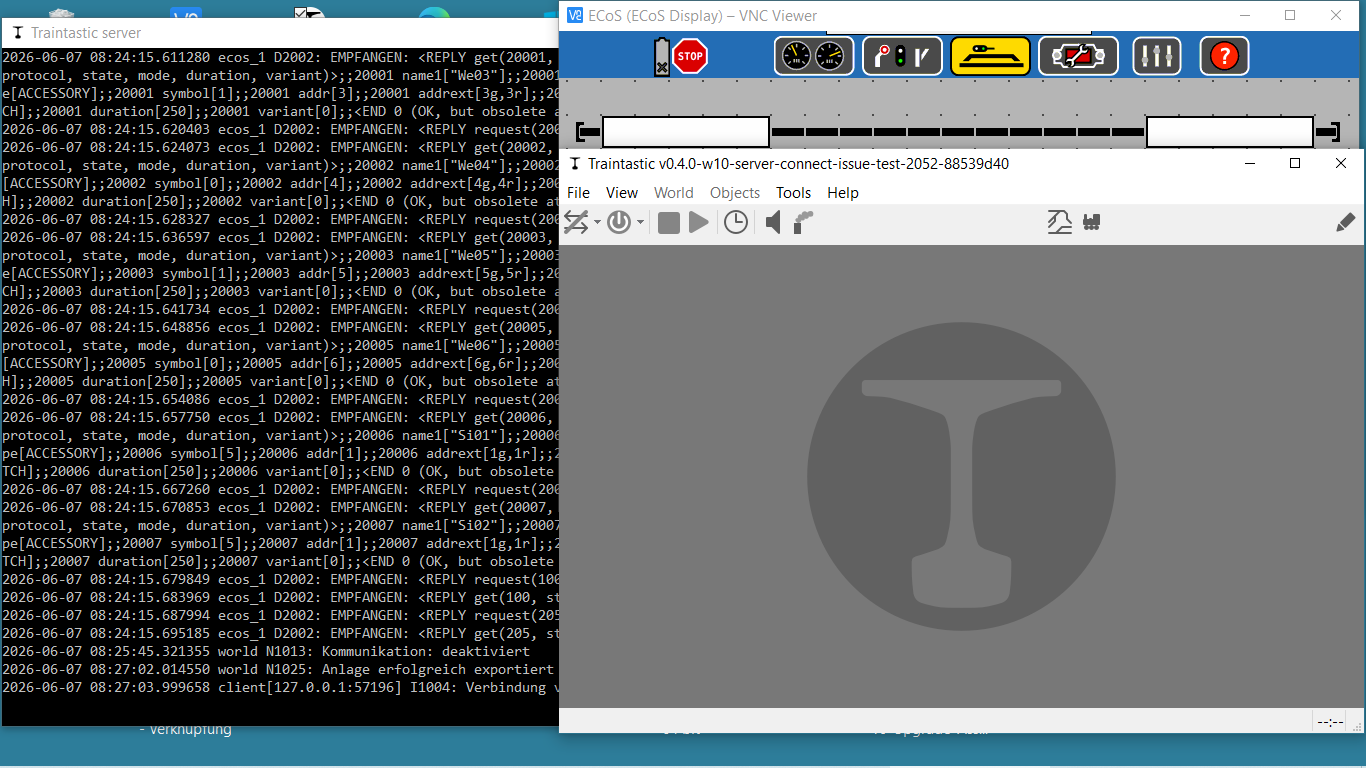
traintastic_diagnostic_report_20260607_082702.zip (37.7 KB)
kindly regards
vik
Good Sunday morning Reinder,
should all the Detector-Ports be empty while this “communication init”, should I put the DHG700 in another Test on the Track and “flip”?
traintastic_diagnostic_report_20260607_082702.zip (37.7 KB)
kindly regards
vik
Good morning,
@DL7BJ Thanks for the complement 
@vikr Thanks for the report, Traintastic only “remembers” the last 1000 log entires, but when reading your ECoS2 it exchanges more than 1000 messages (the protocol is not very efficient).
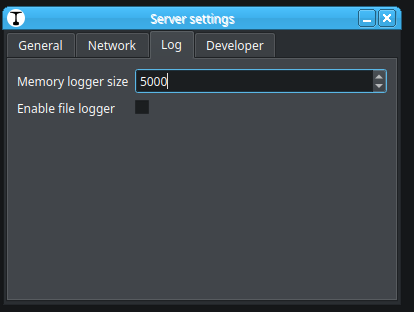
Can you raise the log size to 5000: Tools → Server → Server settings…
And do the steps once again.
Greetings,
Reinder
Hi Reinder,
further diagnostic hint.
traintastic started with empty Detektor-tracks
I put manually DHG700 (known as vehicle in traintastic World) on Sensor1
traintastic_diagnostic_report_20260607_085154.zip (37.5 KB)
hope this helps:
Traintastic-0.4.0-Welt4ECoS 2-occupie-empty-Sensors-1-und-2i-01.txt (148.5 KB)
Memory logger size will be extended before next trial.
Are there Trials you urgent need to be repeated before Build 2056?
kindly regards
vik
Moin @vikr
Yes the log file helped, that include the log from the beginning.
No need to do further testing with the old one another new build is available, I’d hope it will request the current railcom status correctly when connecting to the ECoS.
Can you give Build #2058 a try: Traintastic development builds
Best regards,
Reinder
Hi Reinders,
 Many thanks, but at the moment only very short first answer on build 2058, some subsequent additions in italics next morning.
i’am always loosing the left buffer, while changing the view-size of the track.
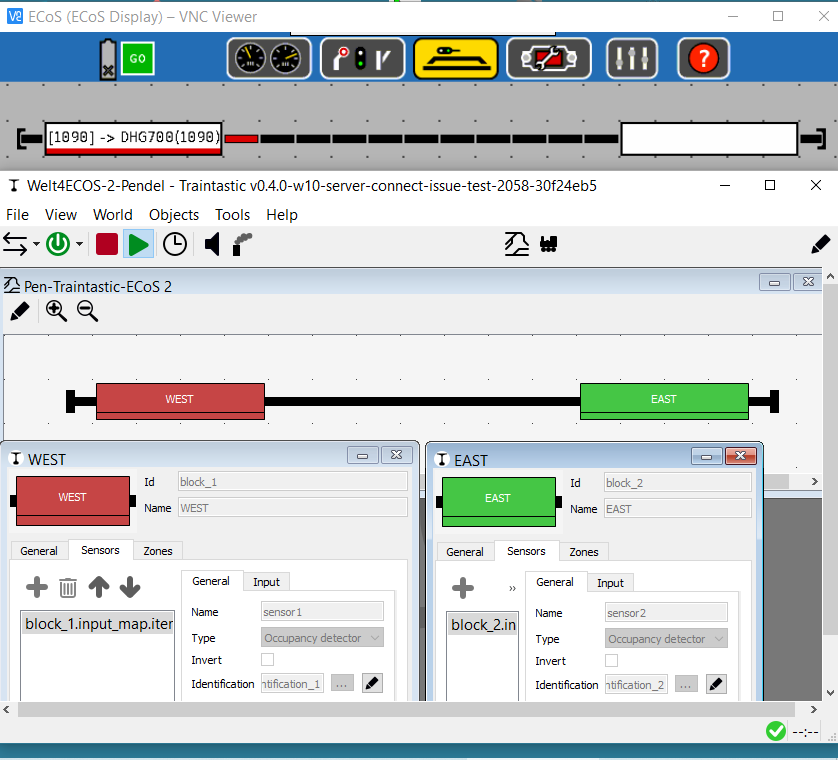
*i have startet traintastic with empty blocks. *
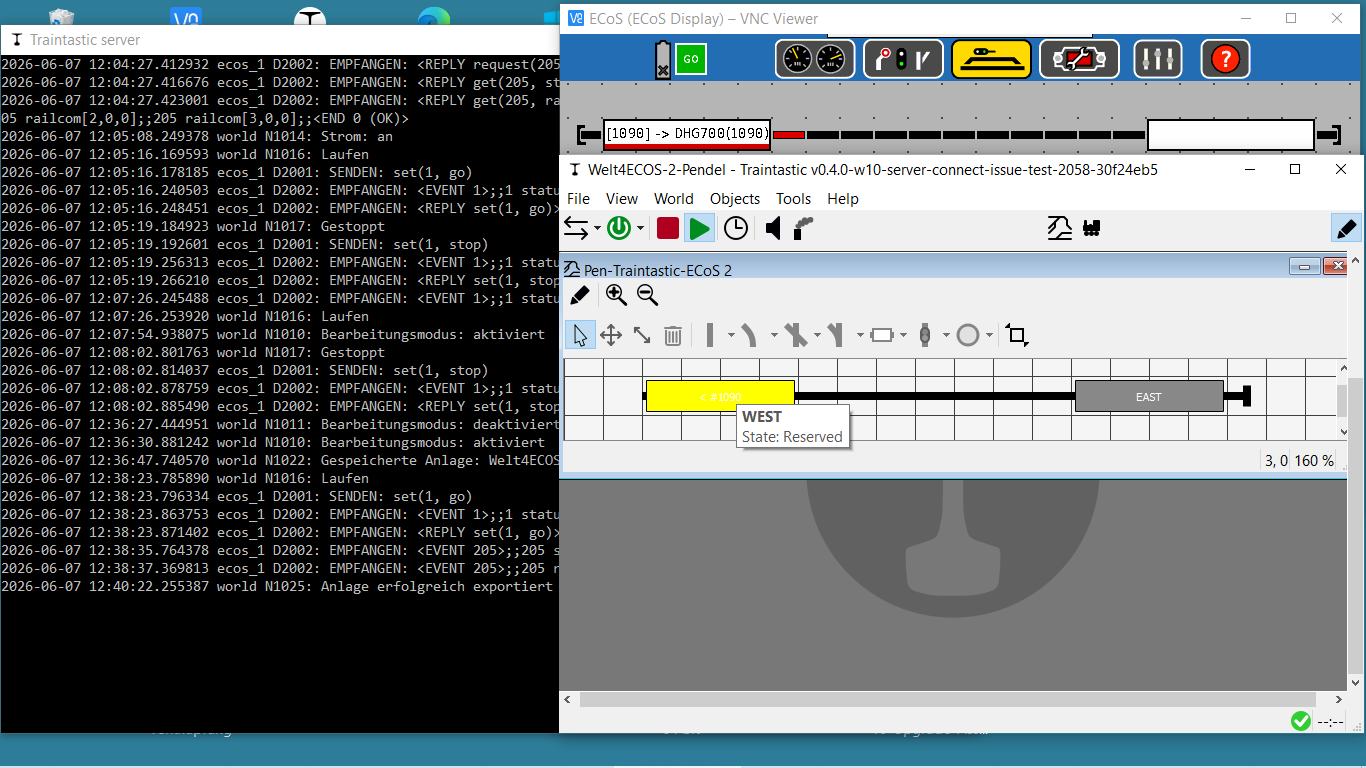
than i put manually the DHG700 on the Block “WEST” and the block became “reserved” (yellow).
traintastic_diagnostic_report_20260607_124658.zip (40.5 KB)
may be more this evening …
in 2058 the occupation of ESU 50098 inputs will now be proper showed! But no DCC-Adresses with Direction.
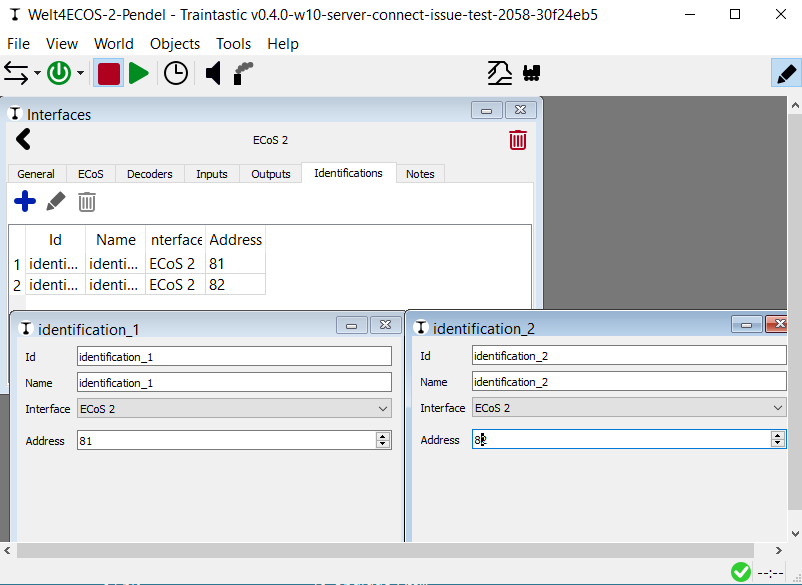
Unfortunally the Adresses (81 and 82) of the inputs (and may be also the identifications), will not be stored in the World-config-file.
Greetings
vik
Hi Reinder,
may be there will be confusion caused bei ESU.
The ESU 50094 has sixteen occupation-inputs, only four are able to detect railcom-messages. Unfortunately this are not the Numbers 1, 2, 3, 4 but 1, 5, 9, 13. Unfortunately the 50098 has only fuor inputs, all able to detect railcom-messages. So in the 50098 this are the numbers 1, 2, 3, 4.
So dependent on the type of the ESUDetector you have in Traintastic to map in different way.
There exists also the ESU 50096, who has also sixteen imputs but no Railcom-Detection and no current-sensing. It usually will be used bei Märklin-Track-drivers as “mass-detector”.
In my layouts here, I’ve only used the 50098 with four inputs.
There are some other “surprises” in the ESU-Implementation of Railcom.
May be it is better to wait with impovements of the usability, until all is well working.
kindly regards
vik
Hi Tom,
Vik, I read shortly the manual and as I understand it, every 50098 needs one address between 1 and 100. But this is the address of the 50098, not the identification of the 4 RailCom connectors. If the 50098 has the address 1 than you must have something additional identification to distinguish between connector 1 to 4 (or 0 to 3). I can’t find anything about this in the ESU documentation.

Please, wait until Reinder could check your logs and screenshots. I have no experience with the Ecos and the modules, I am only thinking loud :wink:

Greetings, Tom
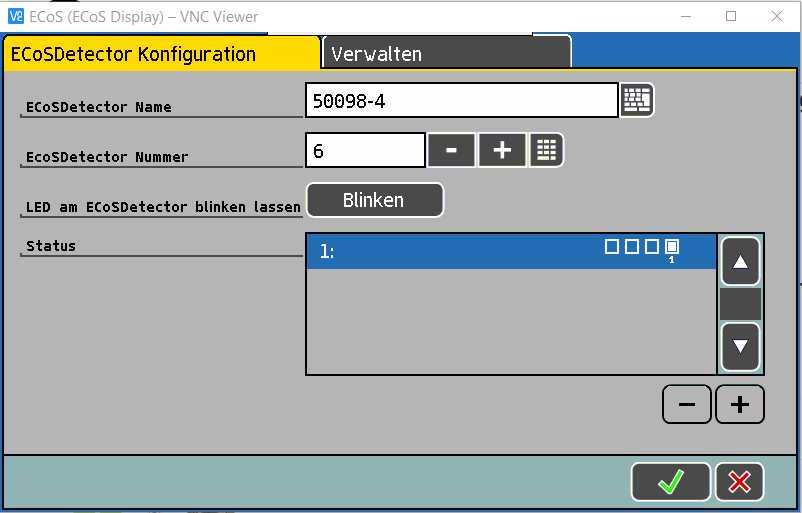
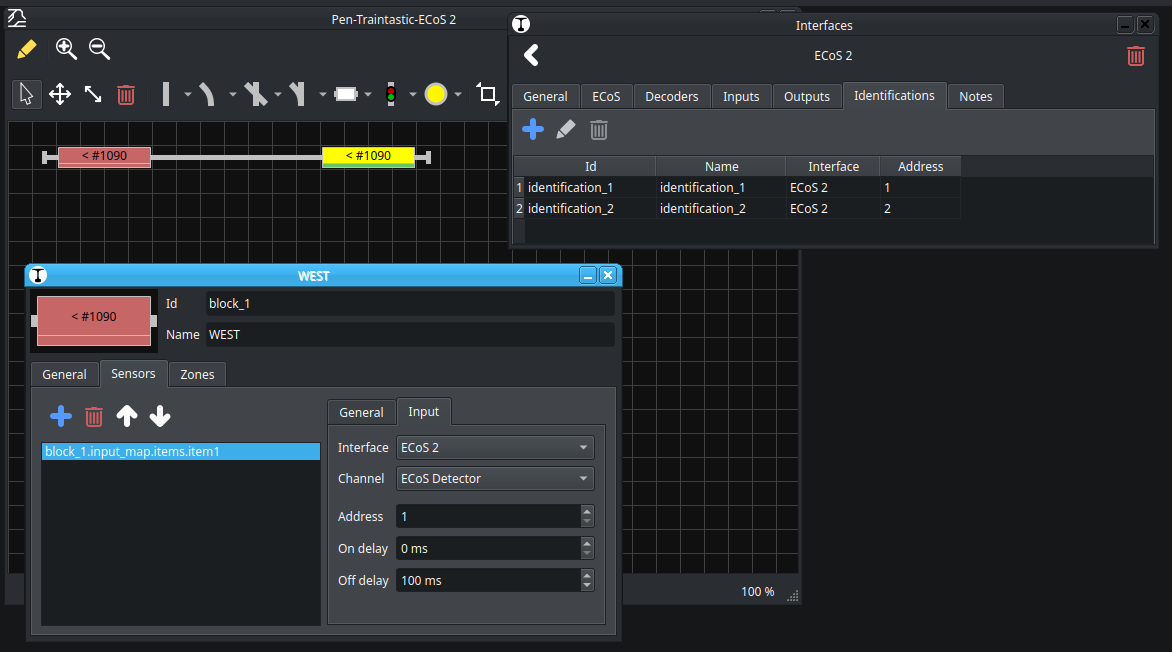
in ECoS each Detector became a Number. In my Pendel-Layout it is Number 6.
In the Screenshot you also see that Port Number 1 (from he right to the left) is occupied (it is the DHG700, but this will be not shown in this dialog).
Greetings
vik
PS.: So i had to corrigate the last picture with the wrong ESU-Name.
Moin,
Ok, I didn’t know that, in that case the 16 addresses per module still work and makes even more sense.
The formula then is: Address = ((ECOSDetectorNumber - 1) * 16) + Port
Good to know, what are the surprises?
Yes, for sure, we first need to find out how it exactly works, then decide what works best for the users. (I’m thinking about introducing dot notation, e.g. 5.1 or 6.9 etc.)
Many thank for testing and helping with this! That’s what I like about Open Source, building better software together.
Greetings,
Reinder
Hallo Reinder,
My last Trial:
Thanks, a new test with new information. Since addresses 81 and 82 are always overwritten with 1 and 2 in build 2058, I’ve temporarily configured my ESU 50098 as module 1 as a workaround. The default addresses are now correct, even after loading the world, but unfortunately, the identifications aren’t saved, so you have to reconfigure after every start before you can test.
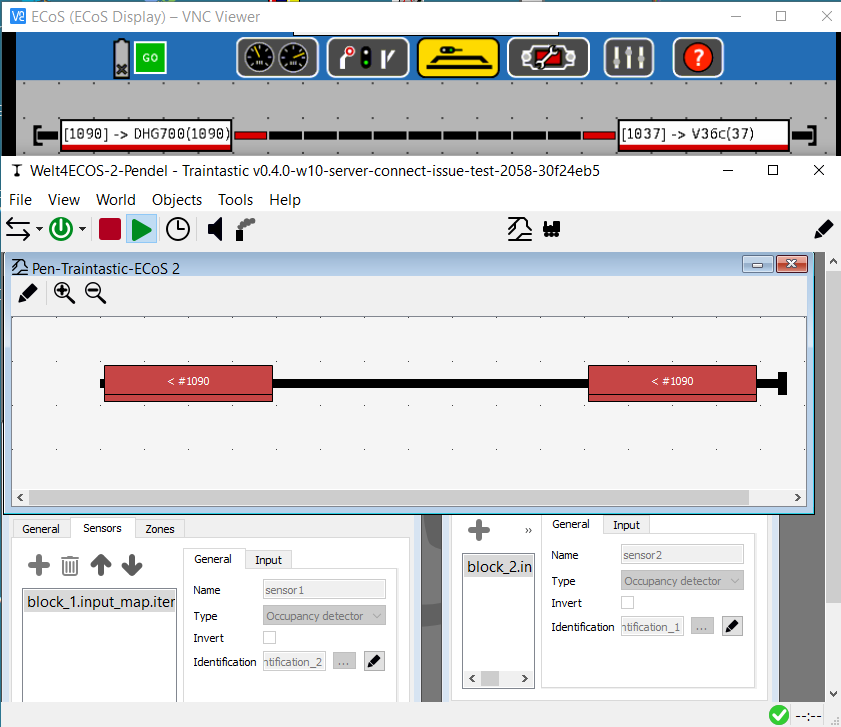
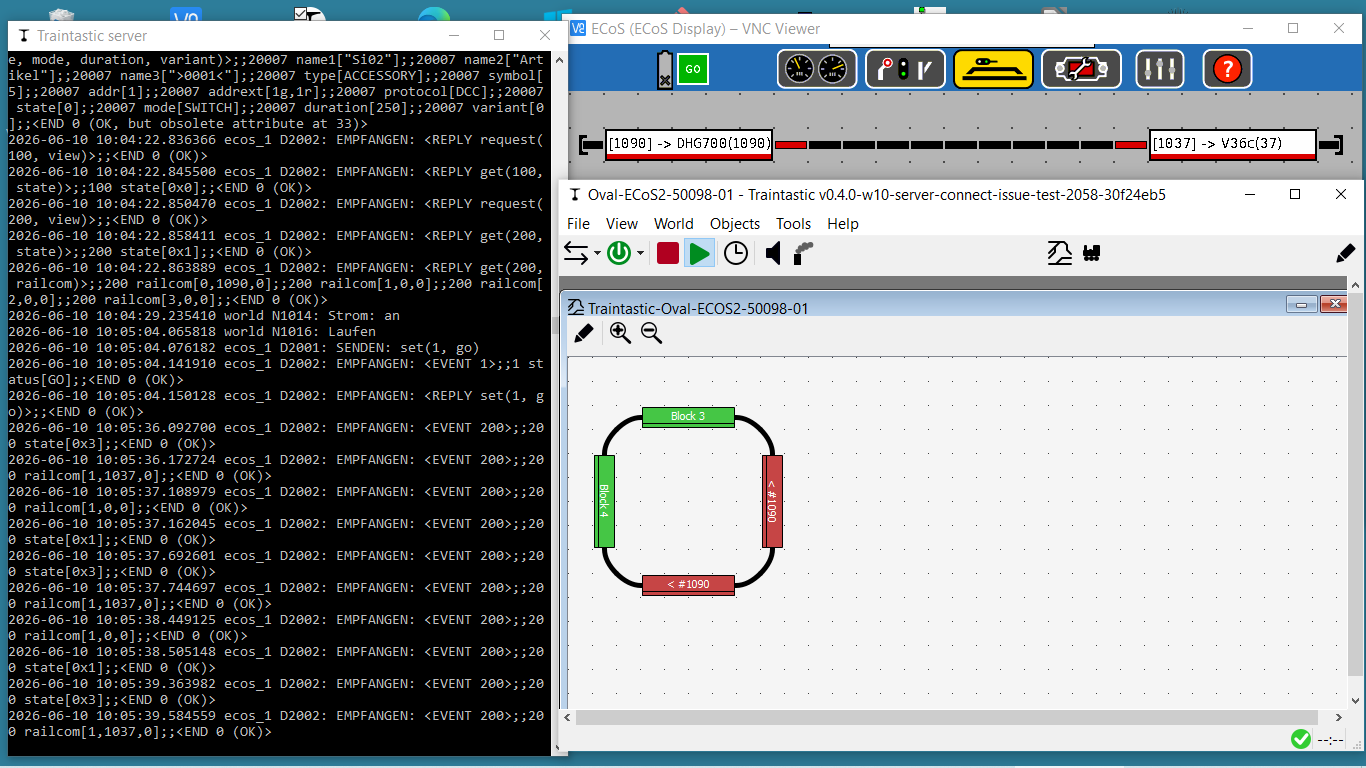
 now the DCC address and a direction arrow are displayed in the traintastic-block! Unfortunately, it’s not always the correct address, and the arrow is almost always pointing in the wrong direction.
The direction arrow doesn’t change direction when I flip the locomotive on the track.
The arrow points in the opposite direction to what’s shown on the ECoS display. The direction of the arrow displayed in the Traintastic track diagram should therefore be configurable again, in addition to the direction shown in the ECoS message.
if I put the V36 (DCC-Adresse 1037) on the Block traintastic takes an shows “1090” because the V36 is not yet configured in traintastic. Even in this case of an unknown address traintastic has to show the DCC-Adress, who came with the railcom-message.
Finally, two questions:
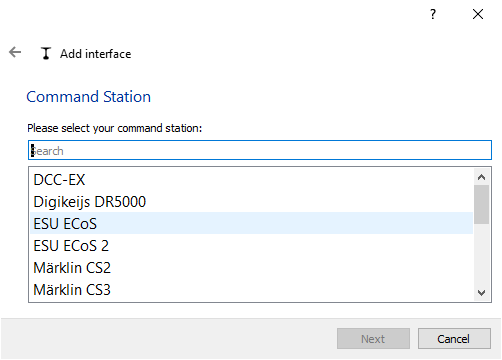
Is there a difference between the selection Interface “ESU ECoS” and Interface “ESU ECoS 2”?
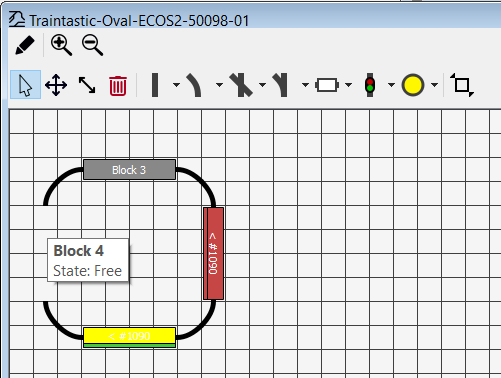
Any ideas, why I always loose the left buffer. stop?
Or here Block Number 4?
Greetings
vik
Hi,
Some progress, that is good to hear.
For the address and direction mismatch, what do you see in the server log? That is the information that Traintastic receives, if that is correct, then Traintastic has a bug.
Traintastic should display the loco reported address. The good new is I’ve borrowed an ECoS and some feedback modules from a local club member, so I can do some testing myself too. I’d hope I’ve some time later this week. (Today was a hectic day at work, started at 8 finished at 22, it was a long day.)
No, result is the same. (Until there is a difference discovered)
That is strange, can I have a diagnostic report? Then I’ll see if it happens on my system too.
Greetings,
Reinder
Moin Reinder,
You weren’t alone, same thing here. Nothing will change this week, so I no longer feel like sitting at the PC in the evenings.
Greetings, Tom
Hi Reinder,
Yes I’m very happy to see adresses in blocks.
At the moment it is a litte bit demotivating, that the “save world” command seems to save the configuratet, changed parameters incomplete.
These are really very good news!
By the way, is there a way - as traintastic-user - to delete a old world? And - also by the way - I would appreciate to have a new command “save world as”.
so me.
I’ll put here two exportet worlds, the Pendel with two Blocks on a line, booth in direction East and the Oval with the four blocks in direction East, North, West, South.
Welt4ECOS-2-Pendel 2026-06-10.ctw (2.1 KB)
Oval-ECoS2-50098-01 2026-06-10.ctw (2.1 KB)
traintastic_diagnostic_report_20260610_092423(Welt4ECOS-2-Pendel 2026-06-10.ctw).zip (45.1 KB)
traintastic_diagnostic_report_20260610_094324(Oval-ECoS2-50098-01 2026-06-10.ctw).zip (29.0 KB)
traintastic_diagnostic_report_20260610_100928(Oval).zip (44.4 KB)
kindly regards
vik
Hi Vik,
Which parameters are saved incomplete?
No, not yet, I’ve added it to the roadmap.
I’ve had a quick look at the Pendel world, there is something odd with the addresses:
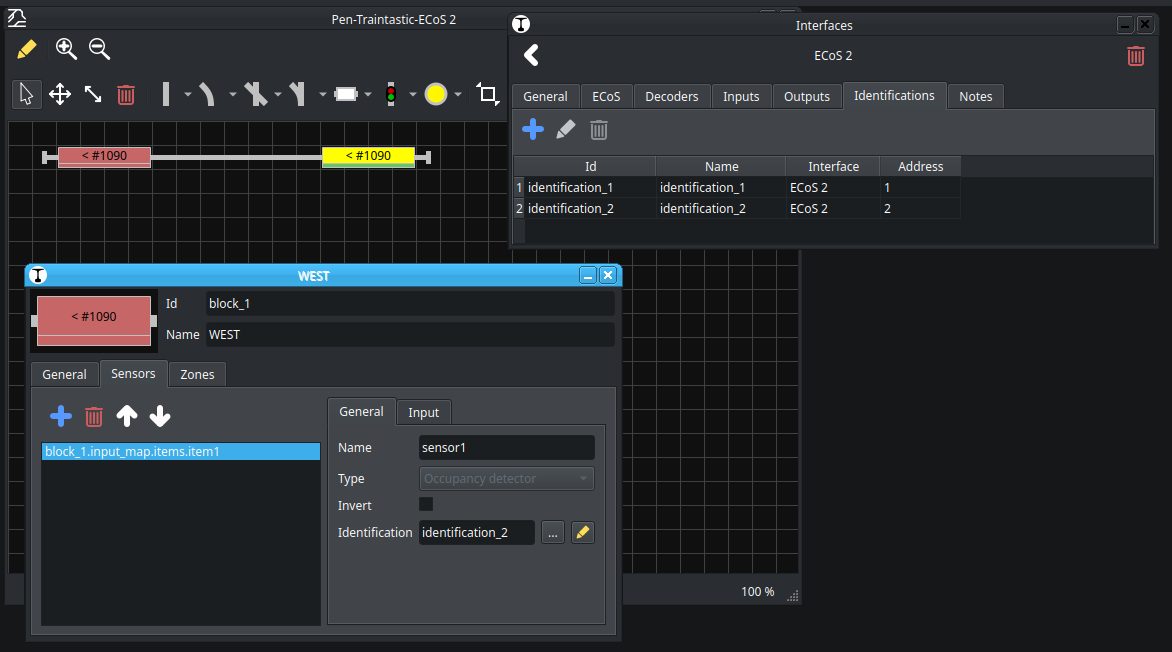
WEST uses input address 1, but railcom address 2. Same applies to EAST but than swapped, you should correct that.
I need to investigate further…but it is time to sleep 
Greetings,
Reinder
Good morning Reinder,
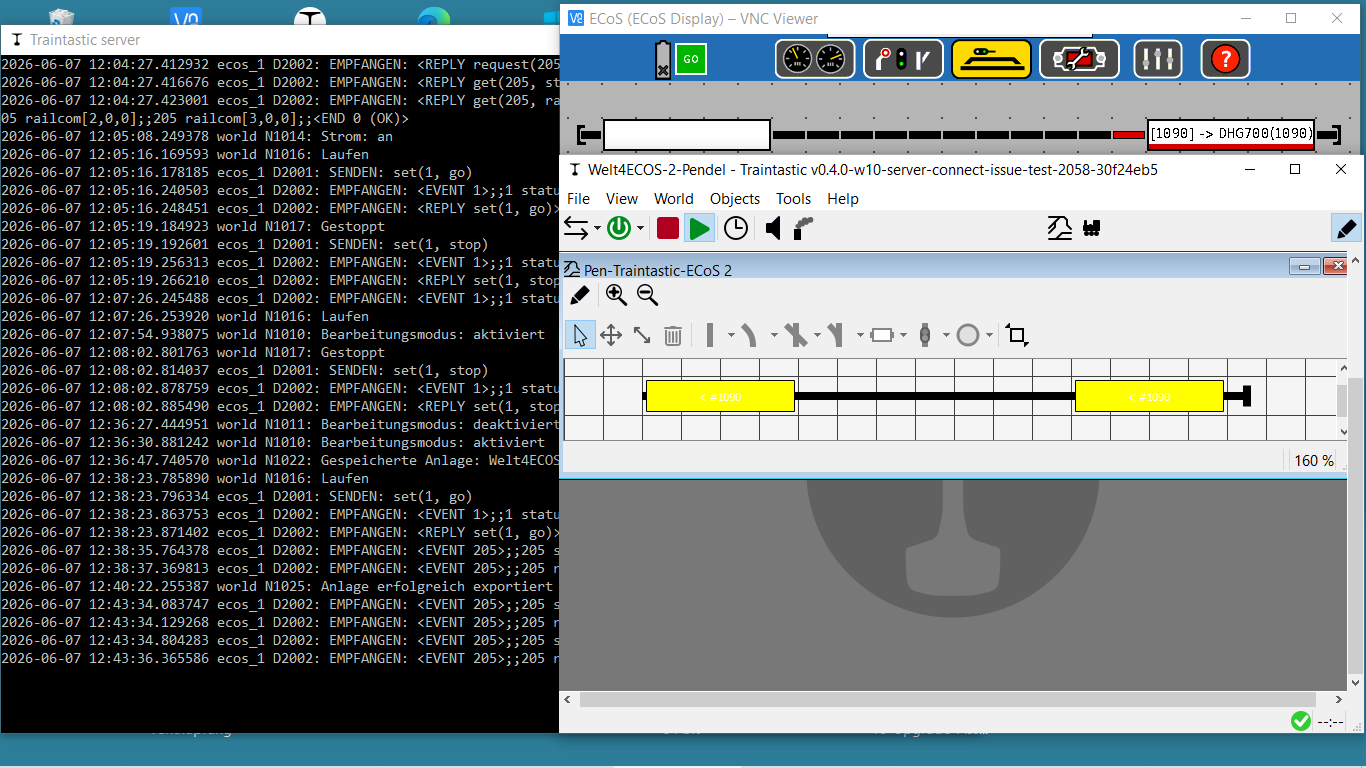
I think, i had the same picture when I have driven the DHG700 (1090) from EAST to WEST.
WEST was colored red and EAST changed from red to yellow, but the DCC-address in EAST wasn’t erased.
kindly regards
vik
Hallo Reinder,
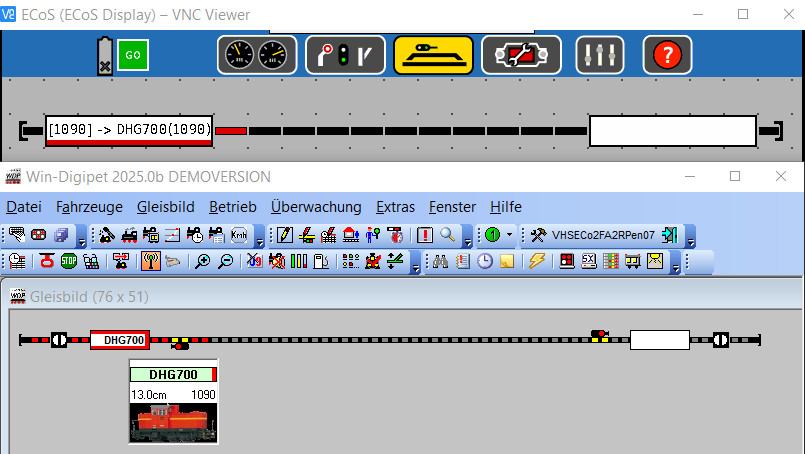
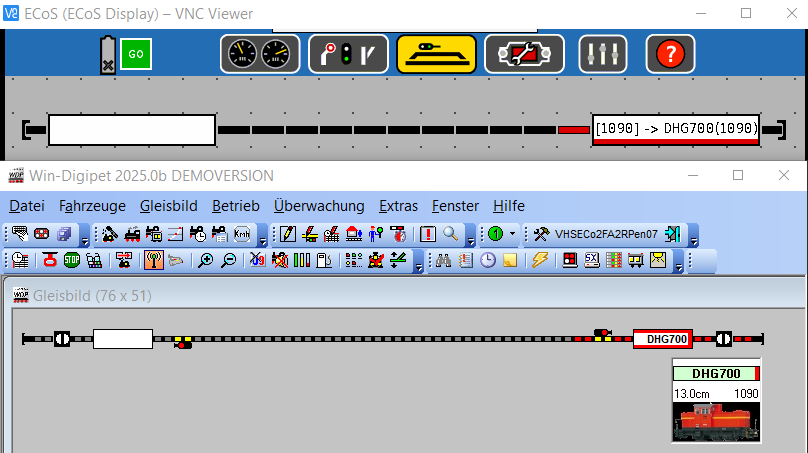
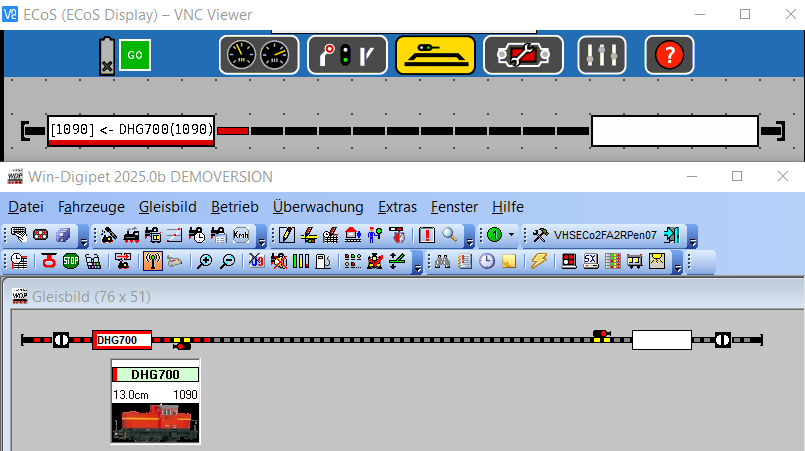
some Pictures with the same Layout, Loks, ECoS2 an 50098, but WDP:
DHG700 on Kontakt1:
DHG700 on Kontakt2:
DHG700, geflippt on Kontakt2:
DHG700, “flipped” on Kontakt1 and for WDP unknown Lok with DCC-Adress 1096 on Kontakt2 detected:
kindly regards
vik
Hi Vik,
Thanks for the images and double check, I’ve build a mini test layout myself, a circle with two block using an ECoS Detector 50094 connected to an ECoS (1st gen, B/W display).
I used ports 1 and 5, as those have RailCom:
The sensors work properly, but RailCom not yet correct. It does not release the train yet, going to look into that.
Other interesing thing is we will need an invert direction option for the RailCom direction. As this is an circle one must be the opposite.
Have to do other things now, hope to look into it tomorrow.
Greetings,
Reinder
Hallo Reinder,
you’ve found one of the promised surprises of the ECoS!
There is a lack in the ECoS-layout-editor. The intern layout-editor can`t turn the sensor in the correkt direction. Unfortunately the ECoS shows this wrong direction not only at her own display, but sends this direction also to the extern programm (may be since fifteen years).
ECoS - Lok-Ausrichtung Gleis-Anlage.zip (654.2 KB)
kindly regards
vik
Hi,
There are new builds available, I’ve added an invert direction option for the Identification sensors and fixed the RailCom absent event, that wasn’t working properly for ECoS.
Greetings,
Reinder
Hi Reinder,
Thanks for your intensiv ECoS-Support.
Just trying to write a step for step text with a lot of pictures in german for start with ECoS (incl. 50098) and Railcom-“Id-Presens” (Channel-1) in a Traintastic-Block. Its work in progress, of course based on your builds in progress.
As basic I´ve the Build 2071 with the new invert-Option for the displayed direction in each block. Is this the last build?
Greetings
vik
Hi vik,
There is a newer one, build #2072, but that doesn’t change anything for RailCom.
Greetings,
Reinder