I’m trying to install traintastic on a Pi that has JMRI pre-installed (Steve Dodd’s image). I want to install the Development Packages as I want to use MERG/CBUS. I’ve downloaded the packages for armhf.
I believe that the data file has loaded ok, however when I try to install the server, apt complains with:
Some packages could not be installed. This may mean that you have
requested an impossible situation or if you are using the unstable
distribution that some required packages have not yet been created
or been moved out of Incoming.
The following information may help to resolve the situation:
The following packages have unmet dependencies:
traintastic-server : Depends: traintastic-data (>= 0.4.0~raspbian~trixie~master~1975~b9e406c7) but 0.4.0~debian~trixie~master~1975~b9e406c7 is to be installed
Depends: libarchive13t64 (>= 3.2.1) but it is not installable
Depends: libc6 (>= 2.38) but 2.36-9+rpt2+deb12u13 is to be installed
Depends: liblua5.4-0 (>= 5.4.6) but it is not going to be installed
Depends: libstdc++6 (>= 14) but 12.2.0-14+rpi1+deb12u1 is to be installed
E: Unable to correct problems, you have held broken packages.
Can anyone cast a light as to what is happening and how I can resolve it?
I’ve had to do a complete reinstall of the Raspberry Pi OS in order to upgrade to trixie!
I now get this error:
pi@RPi-JMRI:~/Downloads $ sudo apt-get install ./traintastic-data_0.3.1.debian.trixie_all.deb
Reading package lists… Done
Building dependency tree… Done
Reading state information… Done
Note, selecting ‘traintastic-data’ instead of ‘./traintastic-data_0.3.1.debian.trixie_all.deb’
The following NEW packages will be installed:
traintastic-data
0 upgraded, 1 newly installed, 0 to remove and 0 not upgraded.
Need to get 0 B/2,503 kB of archives.
After this operation, 18.4 MB of additional disk space will be used.
Get:1 /home/pi/Downloads/traintastic-data_0.3.1.debian.trixie_all.deb traintastic-data all 0.3.1~debian~trixie [2,503 kB]
Selecting previously unselected package traintastic-data.
(Reading database … 127775 files and directories currently installed.)
Preparing to unpack …/traintastic-data_0.3.1.debian.trixie_all.deb …
Unpacking traintastic-data (0.3.1~debian~trixie) …
Setting up traintastic-data (0.3.1~debian~trixie) …
N: Download is performed unsandboxed as root as file ‘/home/pi/Downloads/traintastic-data_0.3.1.debian.trixie_all.deb’ couldn’t be accessed by user ‘_apt’. - pkgAcquire::Run (13: Permission denied)
And I cannot install the server
I’ve checked permissions of the file, the Downloads folder as well as /var/cache/apt/archives/partial/ (this was suggested in an Ubuntu forum), bu no luck.
sudo apt install ./traintastic-server_0.3.1.raspbian.trixie_armhf.deb
Note, selecting ‘traintastic-server:armhf’ instead of ‘./traintastic-server_0.3.1.raspbian.trixie_armhf.deb’
Solving dependencies… Error!
Some packages could not be installed. This may mean that you have
requested an impossible situation or if you are using the unstable
distribution that some required packages have not yet been created
or been moved out of Incoming.
The following information may help to resolve the situation:
Unsatisfied dependencies:
traintastic-server:armhf : Depends: traintastic-data:armhf (>= 0.3.1~raspbian~trixie) but it is not installable
Depends: libboost-program-options1.81.0:armhf (>= 1.81.0) but it is not installable
Depends: libboost-url1.81.0:armhf (>= 1.81.0) but it is not installable
Error: Unable to correct problems, you have held broken packages.
Error: The following information from --solver 3.0 may provide additional context:
Unable to satisfy dependencies. Reached two conflicting decisions:
traintastic-server:armhf=0.3.1~raspbian~trixie is selected for install
traintastic-server:armhf Depends traintastic-data:armhf (>= 0.3.1~raspbian~trixie)
but none of the choices are installable:
[no choices]
The issue is probably in a different boost version as @DL7BJ describes, what I will do is update my RPI4 (that build Traintastic) to the latest version of Trixie.
@DL7BJ is working on AppImage packages for Traintastic, once that is ready we should get rid of this issue for good
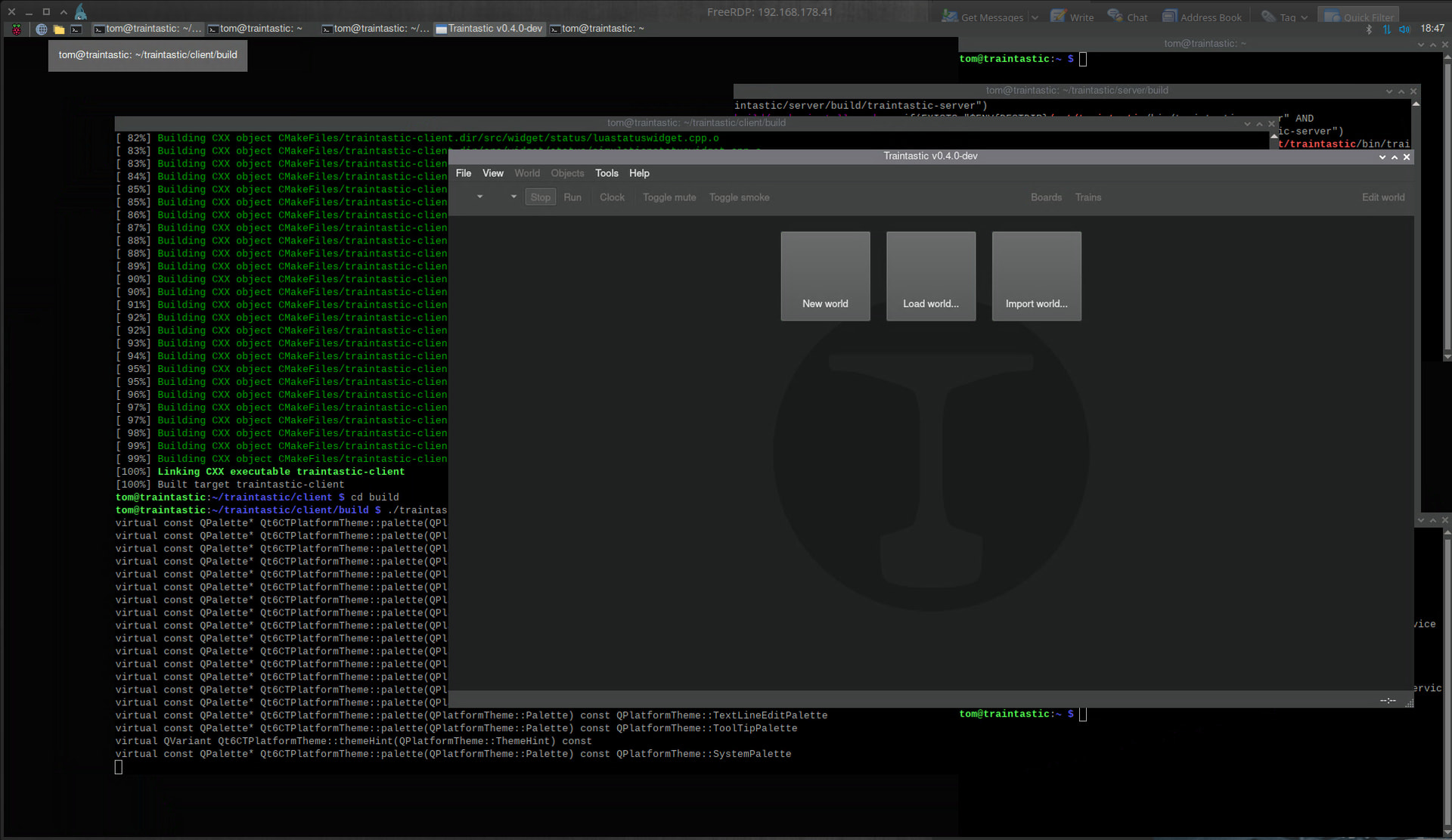
Yes, just compile #1978 After that I will make a backup of the sd-card. And search the icons. The Pi is headless, I use xrdp on it, so you could use Windows RDP, iOS, Android or like me xfreerdp - disabled Wayland on the Pi.
The icons are embedded in the executable, Qt’s resource system handles that. Is this an AppImage traintastic? (If so, maybe something is missing, Qt has plugins libs for image formats.)
Hi Simon,
I’ve build the latest development version with boost 1.83 for the Raspberry Pi, can you give it a try? → Traintastic development builds
the build process on a Pi is terrible slow. It’s not a AppImage, it’s directly build on the Pi and running there. Could be, that’s a problem exists with xrdp. Just wrote a script to build Traintastic with QEMU and docker. But I have some problems, I have to solve:
c++: internal compiler error: Segmentation fault signal terminated program cc1plus Please submit a full bug report, with preprocessed source (by using -freport-bug). See <file:///usr/share/doc/gcc-14/README.Bugs> for instructions. gmake[2]: *** [CMakeFiles/traintastic-server.dir/build.make:79: CMakeFiles/traintastic-server.dir/src/main.cpp.o] Error 4 gmake[1]: *** [CMakeFiles/Makefile2:1101: CMakeFiles/traintastic-server.dir/all] Error 2 gmake[1]: *** Waiting for unfinished jobs…
The build script is here:
It seems, that the seg fault is a result of to many cpus. Qemu has some problems with parallel build processes. Just reduced the cpus and set the container to 24GByte RAM. Got now the error with gmake, not with cc1plus, at 17%. Thats some experimental, to find the right values.
I’ve installed data and get the same permissions error. I then installed server (64 bit version this time!) and it installed with the same permissions error:
Notice: Download is performed unsandboxed as root as file ‘/home/pi/Downloads/traintastic-server_0.4.0~debian~trixie~master~1979~9a069246_arm64.deb’ couldn’t be accessed by user ‘_apt’. - pkgAcquire::Run (13: Permission denied)
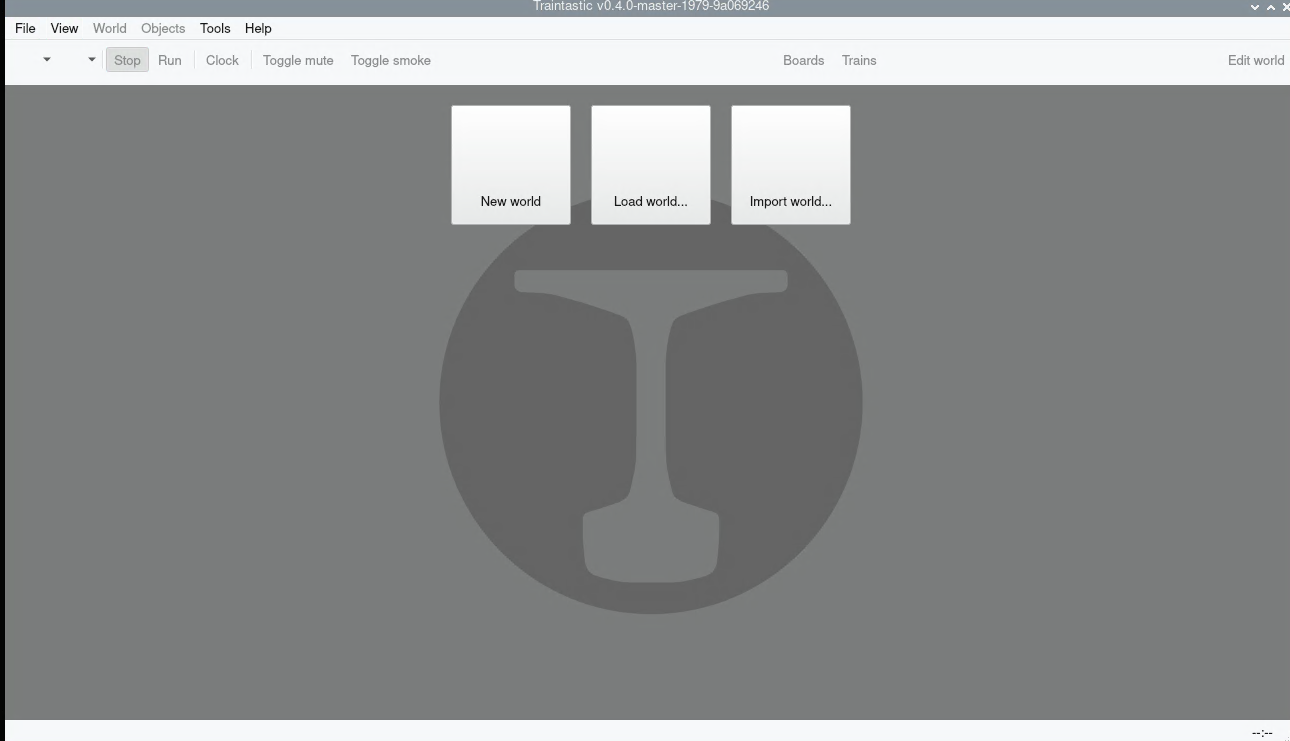
Then installed the client with the same permissions error, started the server and then ran the client. I now have the home screen for Traintastic