Hi,
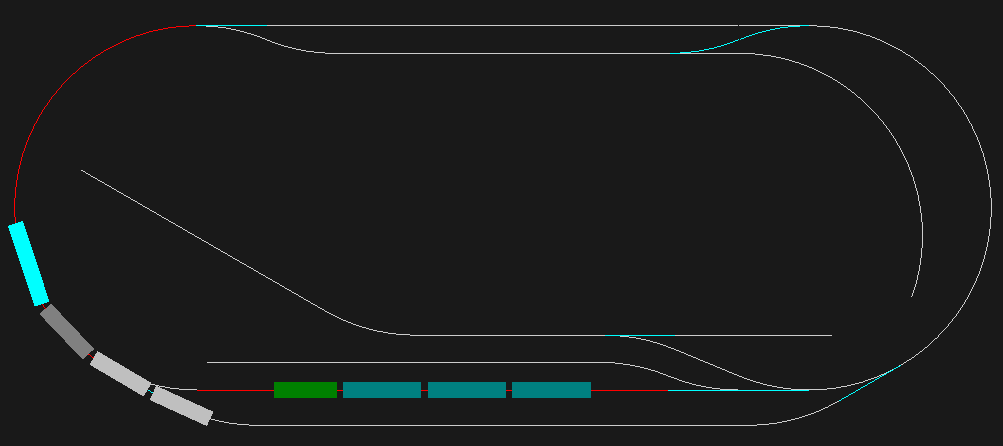
Here is my small layout for playing with model trains.
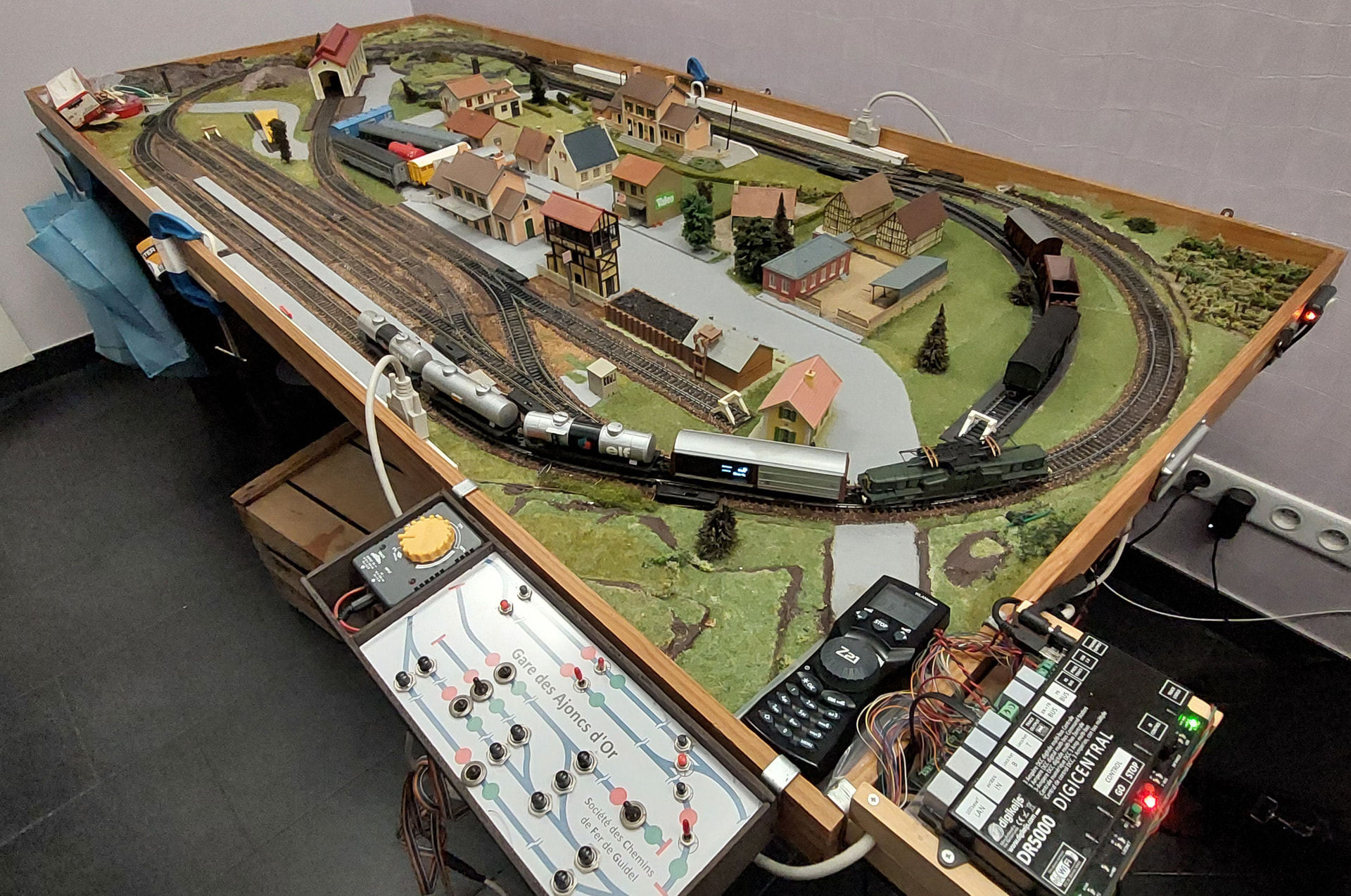
It’s a foldable layout, made of two plywood panels connected by two hinges and secured with wooden edges. The layout is placed on a sturdy table and two clamps (the blue parts) keep the two panels at the same level. So all the wiring is done on the track side and connected to the controls by two SUBD 25 connexions visible on the white conduits.
This network can be controlled either by an analogue throttle or by digital one. To change the operating mode I have to unplug the actual connectors and plug in the requested ones.
In analogue mode a small panel, with a schematic, controls the turnouts, and electrical switches allow to power off some blocks in order to park some trains while running another one. My grandson (5 years old) enjoys a lot driving trains and operating switches for routes elaboration.
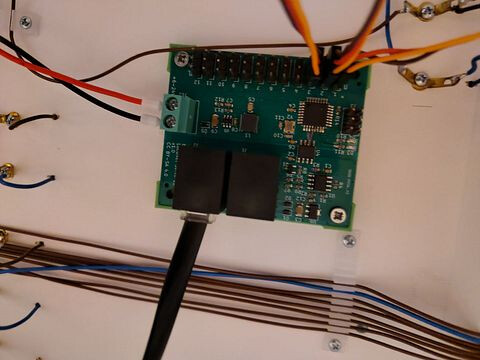
For running digital trains, I use a DR5000 control station driven either by a WLAN mouse or by a Windows computer. Turnouts are driven by a DR4024 device while occupancy feedbacks are performed by a DR4088LN.
I use to use CDMrail software. It’s a french software letting you draw your layout, simulate the traffic and run automatically or manually your trains on the real layout.
On the photo, both analogue and digital controls are shown. There is also a green BB13001 towing a tanks train and the odometer wagon I designed and assembled.
So now I try to make me familiar with Trainstatic and LUA scripts.
First I connected Traintastic with my DR5000 using USB, and I could control locos on the tracks.
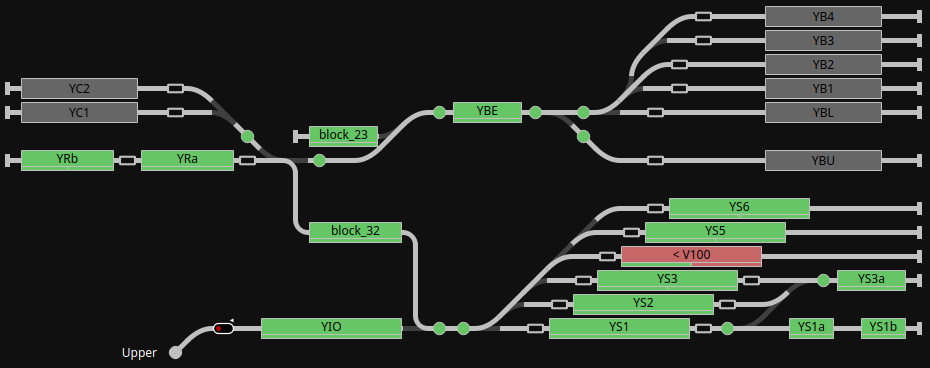
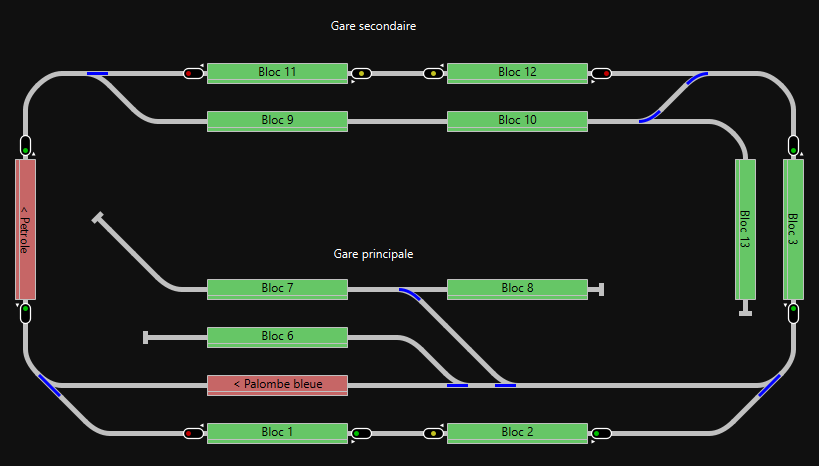
Then I drew the layout and its blocks. After some minor adjustments (identifications), block occupancies where displayed on the computer screen.
With the help of Reinder, I elaborated a JSON file for feeding my layout to the simulator. This allowed running and debugging LUA scripts without being connected to the physical layout.
I wrote a script for a shuttle movement between two blocks. It run fine on the simulator.
It also worked fine on the real layout after I fixed a small problem: On the forth move, no trouble the train started and then stopped on the expected blocks. But on the way back, the trains stopped far after the destination block. In fact, unlike in the simulator, there was no power consumption on the last wagon of the train in order to detect it. Arriving on the destination block, only the pushing loco was detected, and the train extends beyond the block. Adding power consumption (lights) on the last wagon fixed it.
Now I will go on discovering LUA scripts possibilities using signals …
Greetings
Serge
 Feel free to add a few details about what’s working well, what you’ve learned, or ideas you’d like to try next.