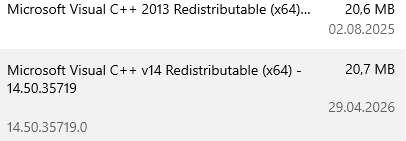
@DL7BJ InnoSetup does a check if installing vcredist is needed, there is a vcredist installer in the installer, but the check is out of date I think. Maybe I can read the version of the packed vcredist and check for that. See traintastic.iss
@Neale that is at least a bit of progress, it seems that at least ESET somehow effects it. I like the suggestion of @DL7BJ to completely uninstall ESET and see how that works out. If that works we at least found the cause. I only have a W10 VM, I use it for Windows testing of Traintastic and have no issues at all.
As I can get Traintastic running by temporarily disconnecting the Wi-Fi then I will be doing that for the moment. Once it is running, turning the Wi-Fi back doesn’t seem to affect things.
In the meantime I am actively engaging with ESET to explore some other options to see if the root cause can be found.
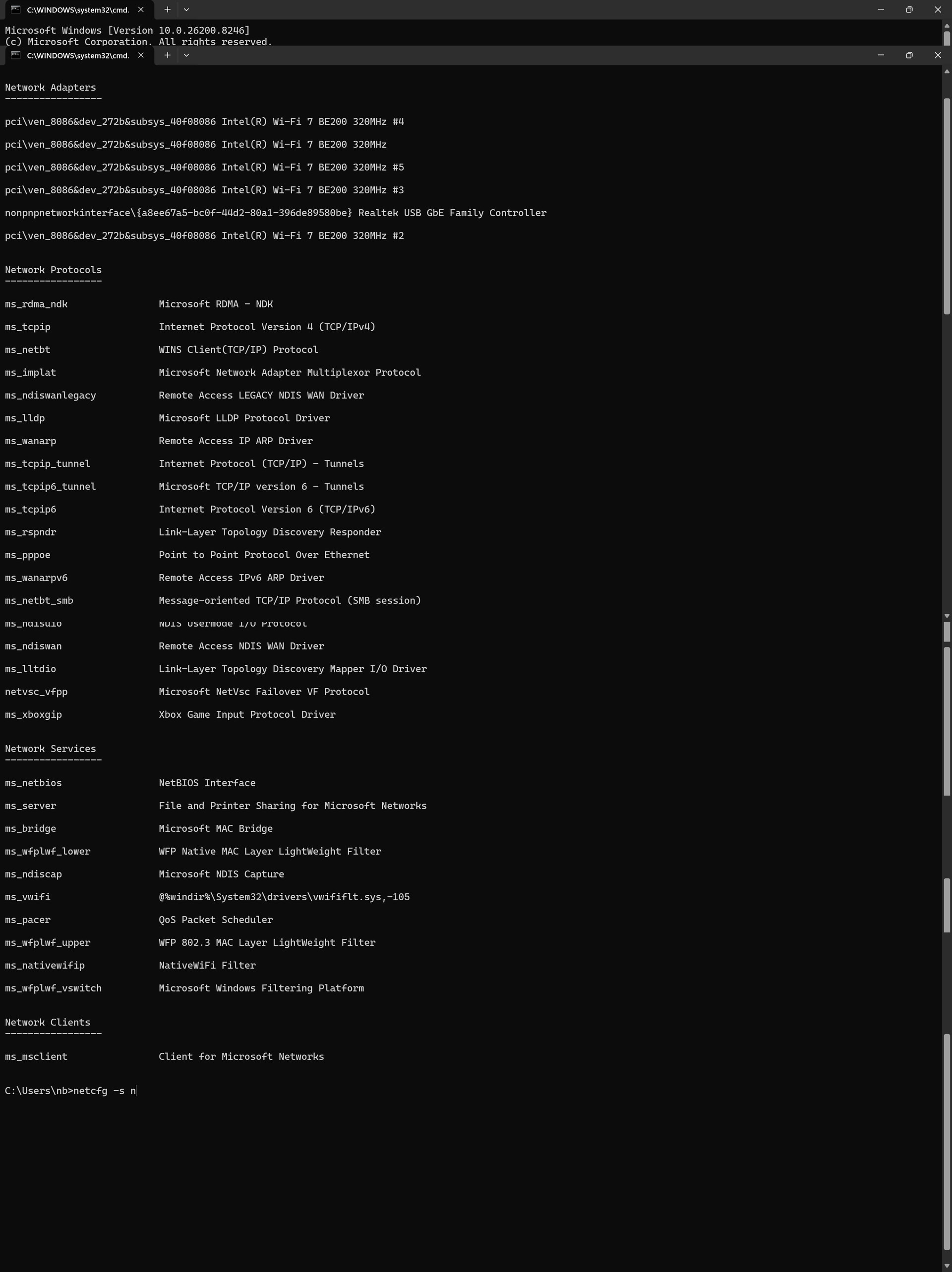
Running netcfg -s n produces the following listing:
I have had many discussions with ESET over the last few days and they have examined my AV and network laptop files. Their conclusion was that the AV was not the root cause of the problem. What did come to light was some irregularities in the network which are systematic with known problems with EE hardware.
The next stage was to discuss this with my son who is knowledgeable on such matters. He suggested that I ask you if there’s a way to explicitly bind to localhost/127.0.0.1. If it’s failing when the network is connected then it is likely binding to 0.0.0.0 (which means ALL interfaces), which may be why it’s getting confused when there’s an ARP resolution problem caused by the EE Hub (two MACs for a single IP).
The longer term solution is for me to change the network hardware (HUB and Extenders) and discard the EE system. This I am actively investigating but which will take a while.
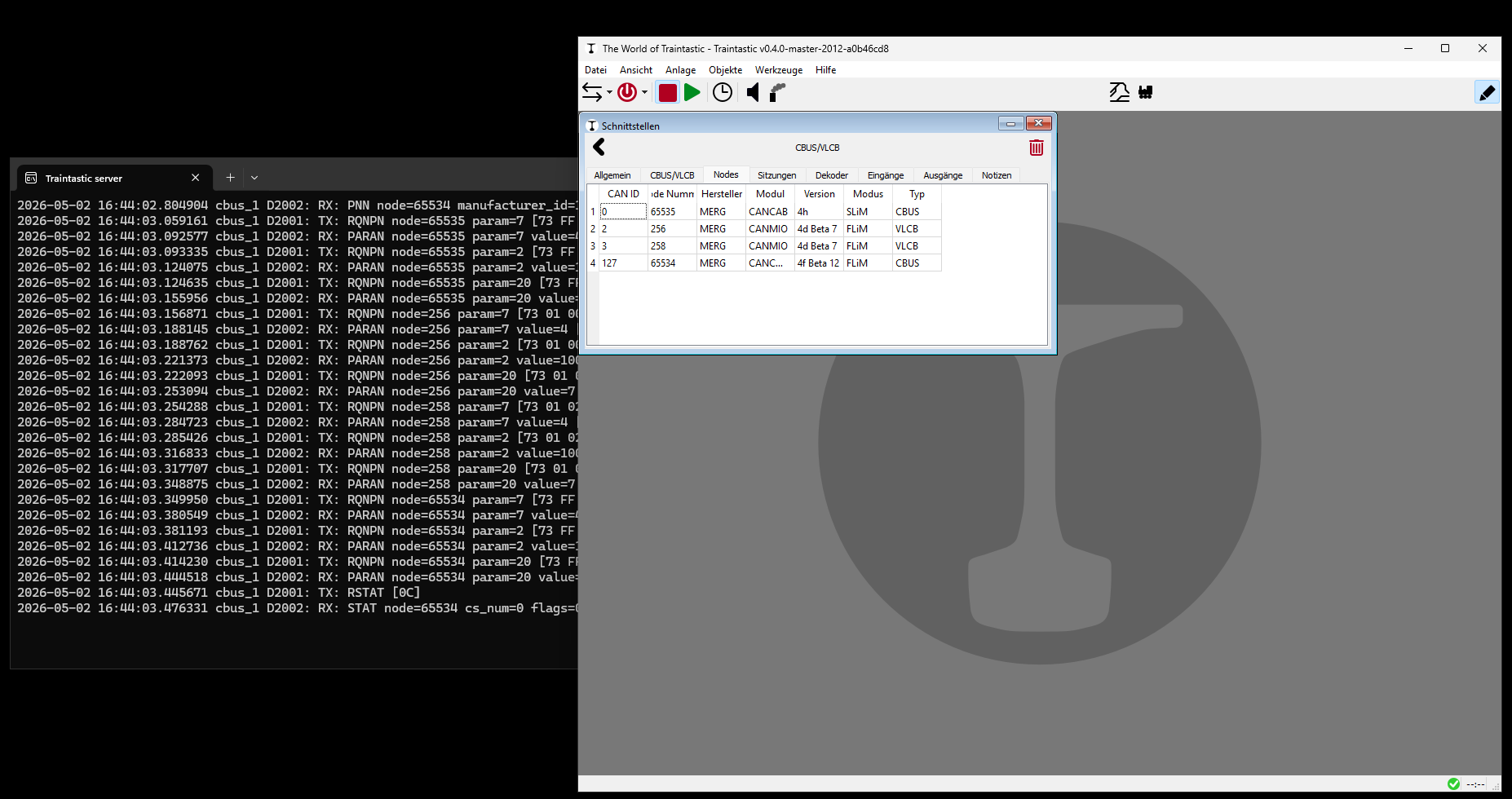
On all your screenshots the server has only connected to 127.0.0.1.
On switched networks there is no hub possible, only a switch. Hubs and Switchs are different technologies, a Hub is only OSI Layer 1, a switch is OSI Layer 2 or if you have an Enterprise Switch it could be a OSI Layer 3 switch. Two MAC addresses and one IP address is only possible, if you use Bonding, Bridgeing or CARP. Nowadays nearly all networks are switched networks.
What is your network hardware? Could you make a sketch about your network and the hardware? But actually, it doesn’t matter if the Traintastic server is running on 127.0.0.1, because nothing goes out into your network; it’s just the computer itself, just localhost. But the same TCP/IP Stack from Windows, as for every network device.
Have you tried to deinstall ESET on one computer and test it without ESET? That should you do at first!
my aim is, of course, always to help wherever I can. So I installed Windows 11 and Traintastic 0.4.0 in a virtual machine. I’m not experiencing any problems.
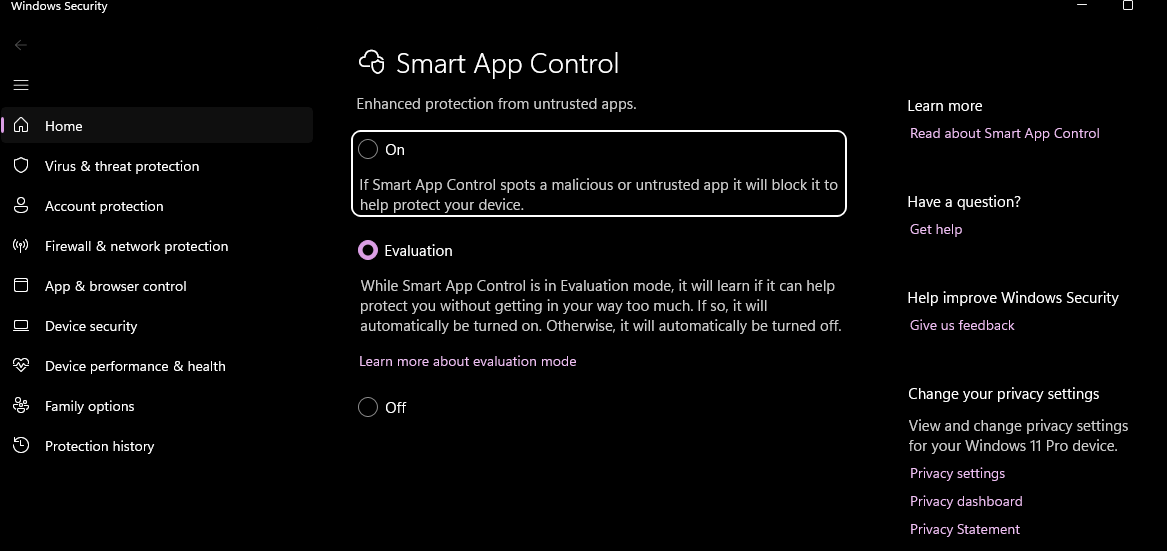
I work as an infrastructure and IT security administrator. Last week, my colleagues from first-level support encountered an issue with unsigned software on Windows 11 and escalated it to me. The problem was the Smart App Control of Windows 11. Please try to disable Smart App Control:
If Traintastic is running at 127.0.0.1, as shown in your screenshots, we can focus on the computer itself; the connected network shouldn’t be the issue, because the 127.0.0.1 is only local. One test would be to connect two computers directly with a network cable so that both network cards are active, but without your network. It should still have the same effect: nothing works with network cards, and it works with the network card switched off. This you can also give a try.
Do you want to controll your model railroad with a Windows PC?
I work at a simple setup for a Raspberry Pi 4 and 5. Either you can use Traintastic as an AppImage, which means it can be started without installation, or later I will create an image for an SD card, i.e. you download the image, write it to a card and then have Traintastic, MMC and JMRI (for DecoderPro) already installed - ready to use for everyone, without any deeper computer knowledge.Perhaps this is an alternative, definitley without problems with Updates, Antivirus-Software, Firewalls.
I don’t want to put a PC next to my model railway, just a Raspberry Pi 4, controllable remotely with an iPad or PC, I don’t have the space for a greater display.
I took my laptop to a friend who has a totally different broadband hardware. Traintastic connected every time and there were no problems.
This does suggest that we were correct. The problem is not with the program, the antivirus or Windows 11. It is down to the shortcomings within the hub.
My next move is to replace the EE supplied equipment with something else.
Thank you for all your help, suggestions and advice. Really appreciated.
Windows has many automatic functions for the TCP/IP stack: private and public network, firewall settings, SLAAC (it’s only for IPv6) and some network filtering, settings which are dynamically changed. Linux and FreeBSD don’t use such automatic functions - there exists only what you have configured.
Please, could you try to disable IPv6 on the WLAN and LAN network card of this laptop? I suspect this is affecting the loopback device.
However, this must something to do with autoconfiguration parameters for the network within Windows 11 and the EE equipment and from my point of view this is a Windows 11 bug. A loopback device should never changes it’s behaviour.