Hallo Tom,[quote=“DL7BJ, post:28, topic:133”]
Da fällt mir aber noch eine Sache ein, deaktivere in den Netzwerkeinstellungen mal das WLAN Interface und das LAN Interface und versuche es dann noch mal und schicke auch mal die Ausgabe von ipconfig /all , einmal mit aktivierten Netzwerkinterfaces und einmal mit abgeschalteten Netzwerkinterfaces.
[/quote]
PowerShell 7.4.13
PS C:\Users\Viktor> ipconfig -all
//(mit WLAN verbunden und gestecktem Ethernetkabel)
Windows-IP-Konfiguration
Hostname . . . . . . . . . . . . : MoBa01-Lisa
Primäres DNS-Suffix . . . . . . . :
Knotentyp . . . . . . . . . . . . : Hybrid
IP-Routing aktiviert . . . . . . : Nein
WINS-Proxy aktiviert . . . . . . : Nein
Drahtlos-LAN-Adapter LAN-Verbindung* 2:
Medienstatus. . . . . . . . . . . : Medium getrennt
Verbindungsspezifisches DNS-Suffix:
Beschreibung. . . . . . . . . . . : Microsoft Wi-Fi Direct Virtual Adapter #3
Physische Adresse . . . . . . . . : 26-0A-…
DHCP aktiviert. . . . . . . . . . : Ja
Autokonfiguration aktiviert . . . : Ja
Drahtlos-LAN-Adapter LAN-Verbindung* 3:
Medienstatus. . . . . . . . . . . : Medium getrennt
Verbindungsspezifisches DNS-Suffix:
Beschreibung. . . . . . . . . . . : Microsoft Wi-Fi Direct Virtual Adapter #4
Physische Adresse . . . . . . . . : 24-0A-…
DHCP aktiviert. . . . . . . . . . : Nein
Autokonfiguration aktiviert . . . : Ja
Ethernet-Adapter Ethernet-Buchse:
Verbindungsspezifisches DNS-Suffix:
Beschreibung. . . . . . . . . . . : Realtek PCIe FE Family Controller
Physische Adresse . . . . . . . . : 0C-54-
DHCP aktiviert. . . . . . . . . . : Nein
Autokonfiguration aktiviert . . . : Ja
IPv4-Adresse . . . . . . . . . . : 192.168.0.100(Bevorzugt)
Subnetzmaske . . . . . . . . . . : 255.255.255.0
Standardgateway . . . . . . . . . : 192.168.0.1
NetBIOS über TCP/IP . . . . . . . : Aktiviert
Drahtlos-LAN-Adapter WLAN:
Verbindungsspezifisches DNS-Suffix:
Beschreibung. . . . . . . . . . . : Realtek RTL8723BE Wireless LAN 802.11n PCI-E NIC
Physische Adresse . . . . . . . . : 24-0A-
DHCP aktiviert. . . . . . . . . . : Ja
Autokonfiguration aktiviert . . . : Ja
IPv4-Adresse . . . . . . . . . . : 192.168.xxx.xxx(Bevorzugt)
Subnetzmaske . . . . . . . . . . : 255.255.255.0
Lease erhalten. . . . . . . . . . : Samstag, 30. Mai 2026 23:02:29
Lease läuft ab. . . . . . . . . . : Sonntag, 31. Mai 2026 01:02:28
Standardgateway . . . . . . . . . : 192.168.xxx.xxx
DHCP-Server . . . . . . . . . . . : 192.168.xxx.xxx
DNS-Server . . . . . . . . . . . : 192.168.xxx.xxx
192.168.xxx.xxx
NetBIOS über TCP/IP . . . . . . . : Aktiviert
PS C:\Users\Viktor> ipconfig -all
//(mit getrenntem WLAN und gezogenem Ethernetkabel)
Windows-IP-Konfiguration
Hostname . . . . . . . . . . . . : MoBa01-Lisa
Primäres DNS-Suffix . . . . . . . :
Knotentyp . . . . . . . . . . . . : Hybrid
IP-Routing aktiviert . . . . . . : Nein
WINS-Proxy aktiviert . . . . . . : Nein
Ethernet-Adapter Ethernet-Buchse:
Medienstatus. . . . . . . . . . . : Medium getrennt
Verbindungsspezifisches DNS-Suffix:
Beschreibung. . . . . . . . . . . : Realtek PCIe FE Family Controller
Physische Adresse . . . . . . . . : 0C-54-
DHCP aktiviert. . . . . . . . . . : Nein
Autokonfiguration aktiviert . . . : Ja
Drahtlos-LAN-Adapter LAN-Verbindung* 2:
Medienstatus. . . . . . . . . . . : Medium getrennt
Verbindungsspezifisches DNS-Suffix:
Beschreibung. . . . . . . . . . . : Microsoft Wi-Fi Direct Virtual Adapter #3
Physische Adresse . . . . . . . . : 26-0A-
DHCP aktiviert. . . . . . . . . . : Ja
Autokonfiguration aktiviert . . . : Ja
Drahtlos-LAN-Adapter LAN-Verbindung* 3:
Medienstatus. . . . . . . . . . . : Medium getrennt
Verbindungsspezifisches DNS-Suffix:
Beschreibung. . . . . . . . . . . : Microsoft Wi-Fi Direct Virtual Adapter #4
Physische Adresse . . . . . . . . : 24-0A-
DHCP aktiviert. . . . . . . . . . : Nein
Autokonfiguration aktiviert . . . : Ja
Drahtlos-LAN-Adapter WLAN:
Medienstatus. . . . . . . . . . . : Medium getrennt
Verbindungsspezifisches DNS-Suffix:
Beschreibung. . . . . . . . . . . : Realtek RTL8723BE Wireless LAN 802.11n PCI-E NIC
Physische Adresse . . . . . . . . : 24-0A-
DHCP aktiviert. . . . . . . . . . : Ja
Autokonfiguration aktiviert . . . : Ja
PS C:\Users\Viktor>
///////////////
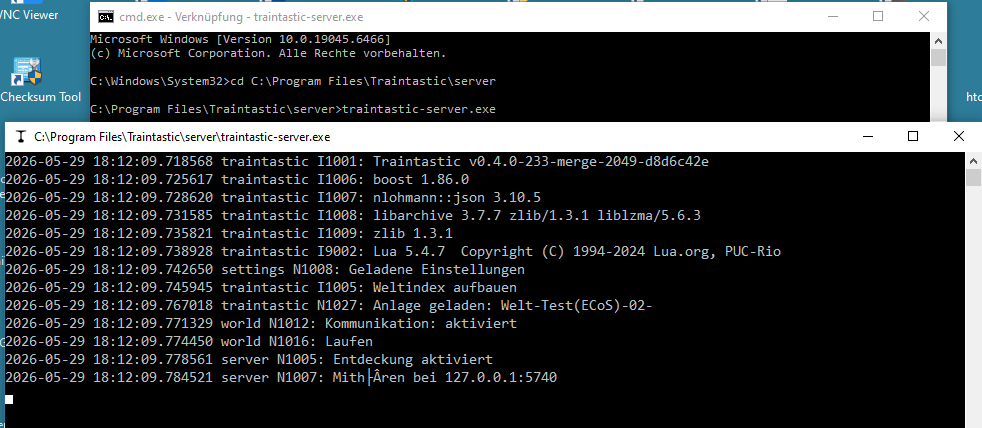
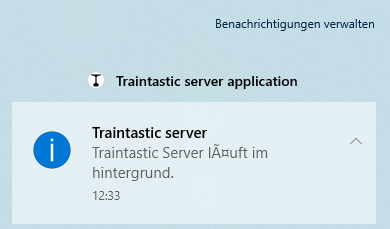
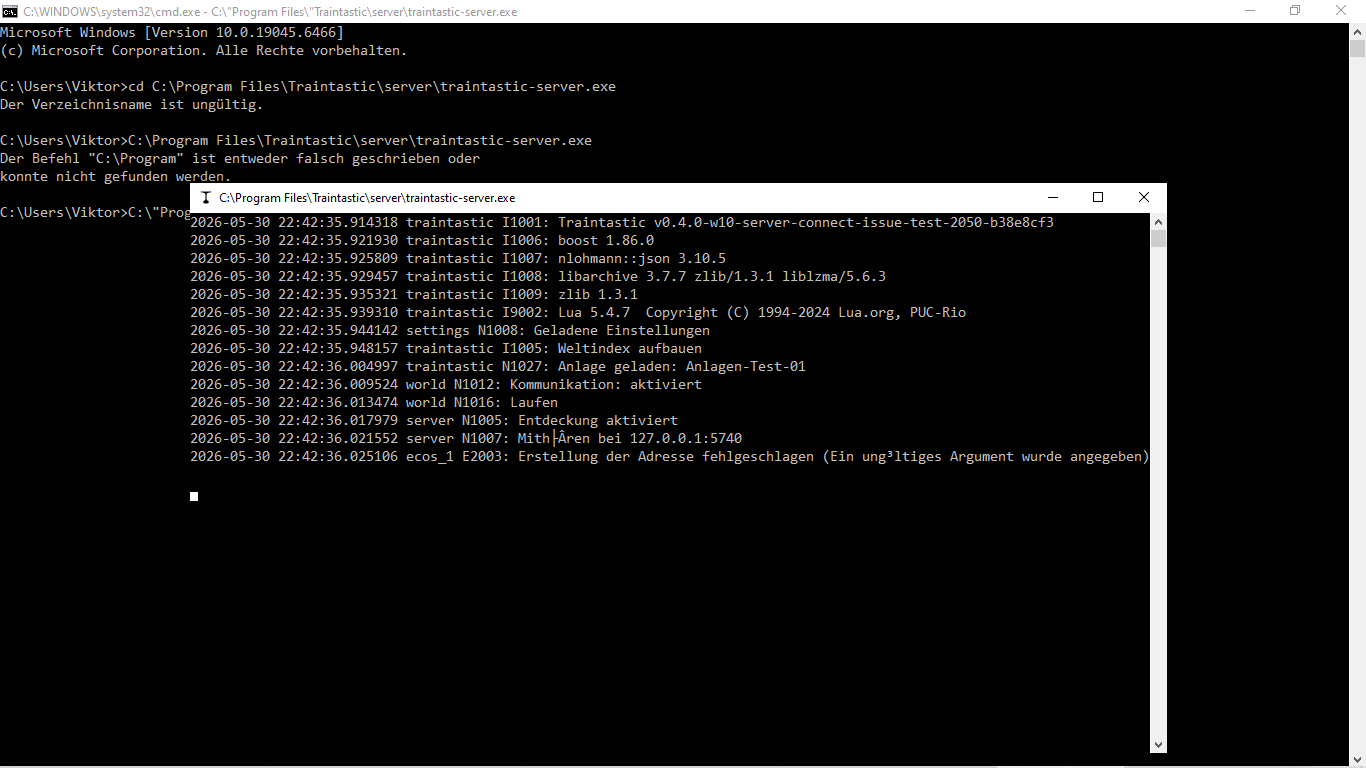
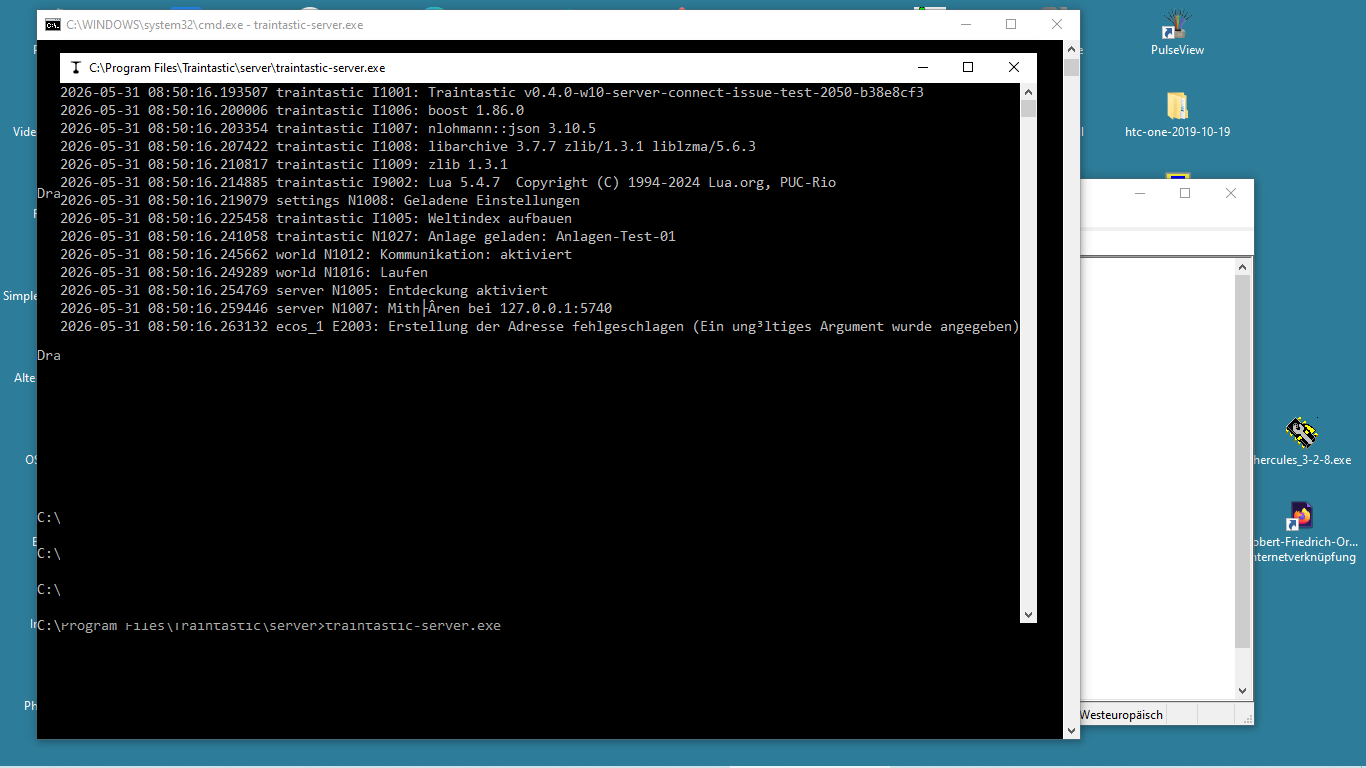
Hier wollte ich übrigens mal ein Videoshot(mp4) einstellen, wie kurz, das zweite Kommandozeilenfenster auf bleib, dass mit dem Starten der traintastic.server.exe (Build 2050) aus dem entsprechenden Verzeichnis per Kommandozeile im ersten Fenster gestartet wird. Leider ist mir das nicht gelungen.
Vielleicht sind da Optionen verstellt und korrigierbar?
MfG
vik

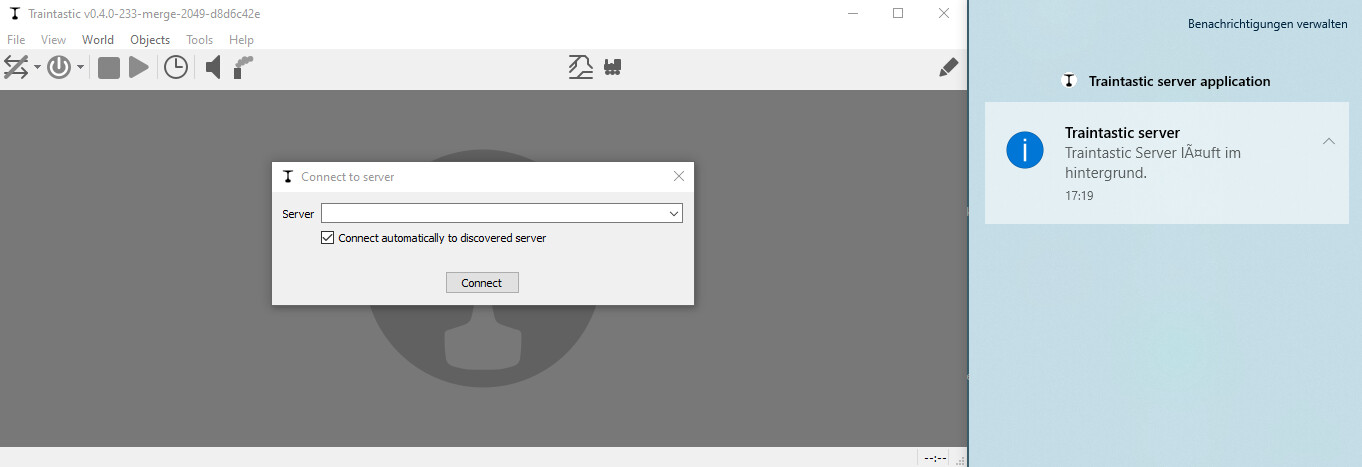
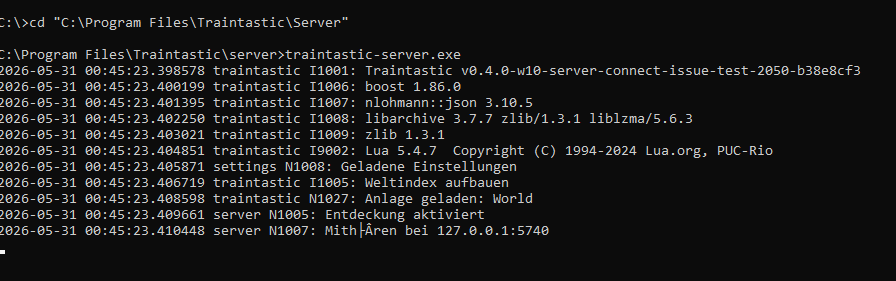
 Noch besser wäre es, wenn Du erst ein cmd.exe startest, dann nach "C:\Program Files\Traintastic\Server wechselst und den Server dort mit der Eingabe von traintastic-server.exe startest. Dann geht das Fenster nicht wieder zu, wenn der Server sich beendet.