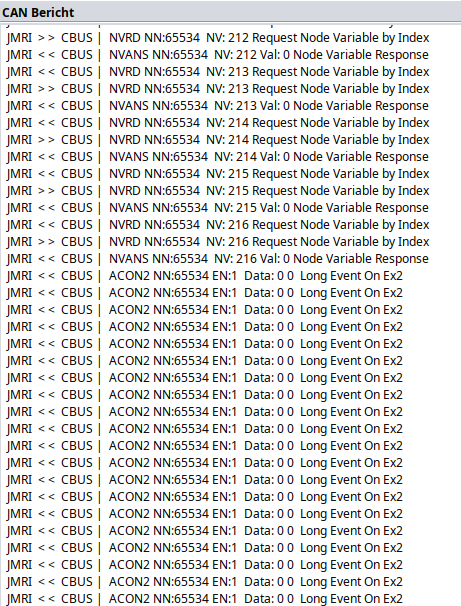
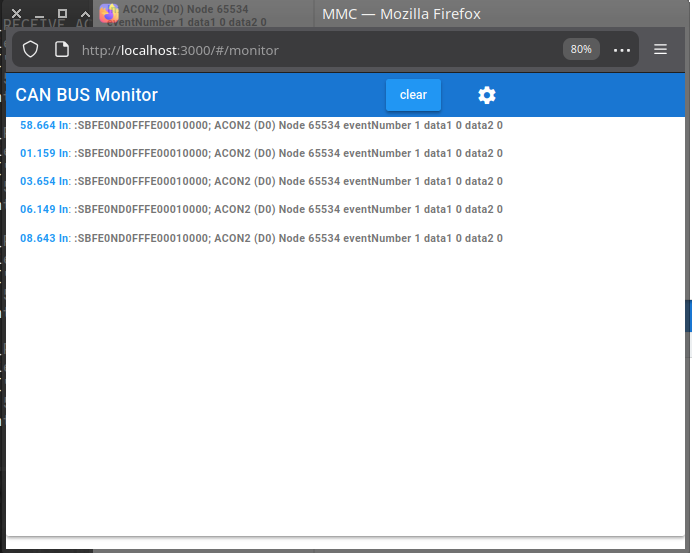
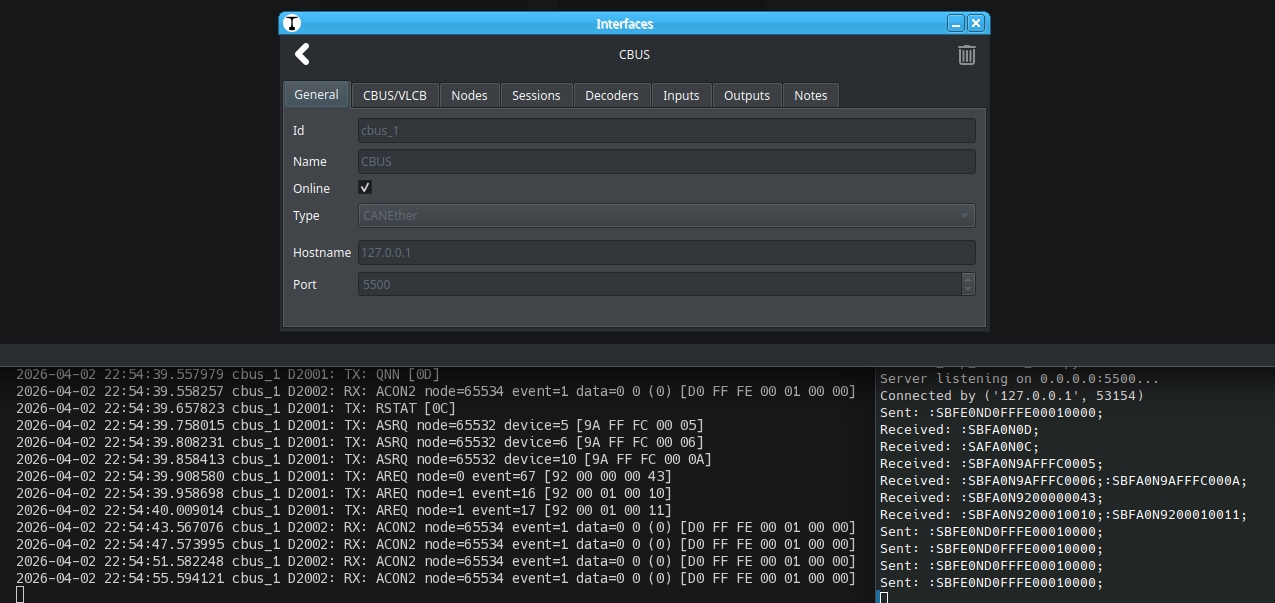
Yes, that’s what I expect based on the specification. It’s the same as the serial protocol. A few post back I found one variable initialization issue, maybe that is it. If you have the time, can you retry with the latest version?
I’ll also write some python to that runs a TCP server echoing that message, and see if it breaks my code
Github says, that my fork is 09d2921 (3 days old) and in sync. But if I look at your repo, this is false, because your repo is b4a6ffd, last updated yesterday. Curious, after logout and login it is ok. I will try it.
It helps, but I’m still confused, I build a few protocol implementations that uses sockets and never had these issue. I’m going to try to run JMRI, I’d hope I can run the Hub without being connected to a real CBUS. See if I can reproduce and maybe I’ll need WireShark to double check the data that is sent/received.
Your C++/boost output seems fine too, I have no clue what is wrong yet. I’d hope I’m able to reproduce with the JMRI+CANUSB once the CANUSB arrived. I thin I need to dig deeper what the causes can be of the Bad address read error.
Other thing, I can add a Hub feature as well to Traintastic, than you can run Traintastic and MMC at the same time Would that be useful?
I’ll add it This might be useful for other protocols as well (e.g. OpenLCB/LCC in the future).
I will do some testing with the start() function in cbuscanetheriohandler.cpp
Thanks, do you run a debug build of Traintastic? If so you can also add some additional LOG_DEBUG(...) macro’s to log some additional values that could help.
I’m getting desperate with GitHub! GitHub keeps claiming my fork is in sync, but it isn’t. As a result, I’ve been missing updates for four days, including this one, and this was the cause:
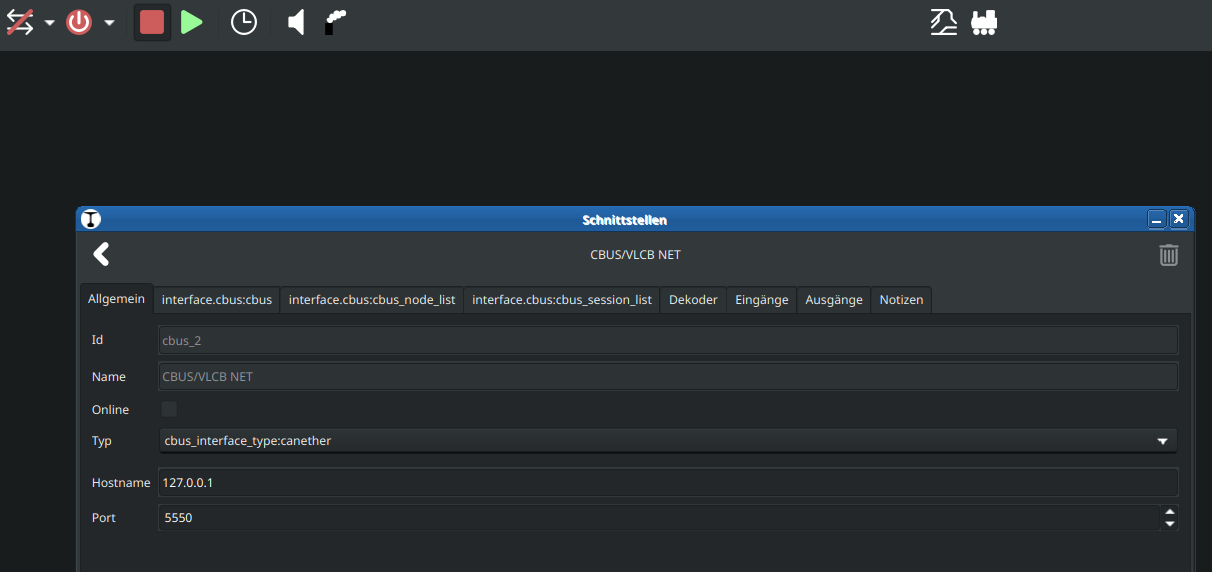
Usually 5550 is the standard port for Cbus eth and or jmri hub
Also means I can change the docs
I’ll set the default port to 5550. The docs will need some changes indeed, I’ll have a look later this week.
I’m getting desperate with GitHub! GitHub keeps claiming my fork is in sync, but it isn’t. As a result, I’ve been missing updates for four days, and this was the cause;
Ah, mistery solved! Where does it state it is in sync on the GitHub website, or local on your system?
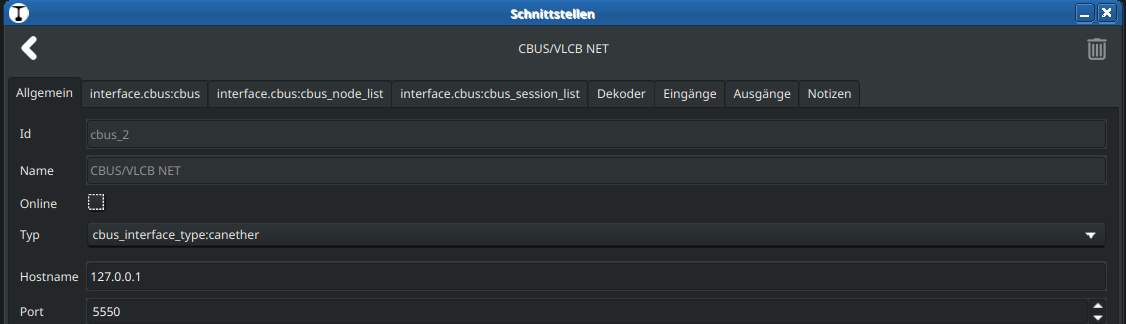
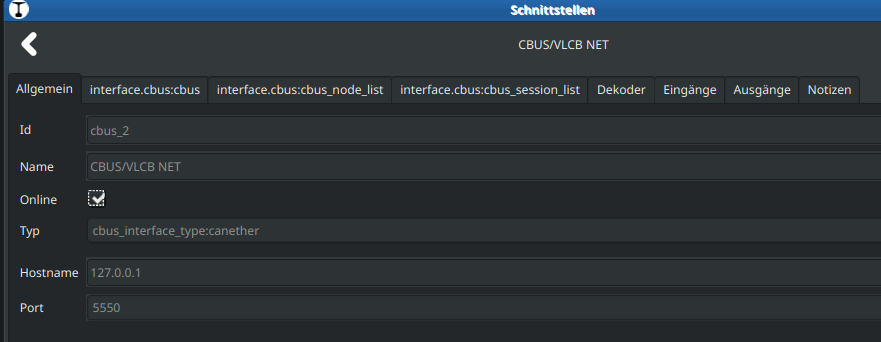
Now the problem with the Online checkmark is also gone.
Great, at @MZwa can you also verify/confirm with the latest build?
Disabling is currently not an option, I have to add that. You could set them to 10,00 the maximum for now.
When using the traintastic throttle you can press ctrl while changing speed to force immidiate speed change (a option to have that by default would be nice). The WebTrottle already has that.
Lets give this new build a try ( 1949 ) on canEther via Jmri CBUS.
Will re-run via USB direct.
first:
Do you recognize this error after update/install?
Download is performed unsandboxed as root as file '/root/traintastic-server_0.4.0~ubuntu~noble~cbus~1949~4c4ca76e_amd64.deb' couldn't be accessed by user '_apt'. - pkgAcquire::Run (13: Permission denied)
After install of packages: my own world files gone
… i know how to get that back, been there
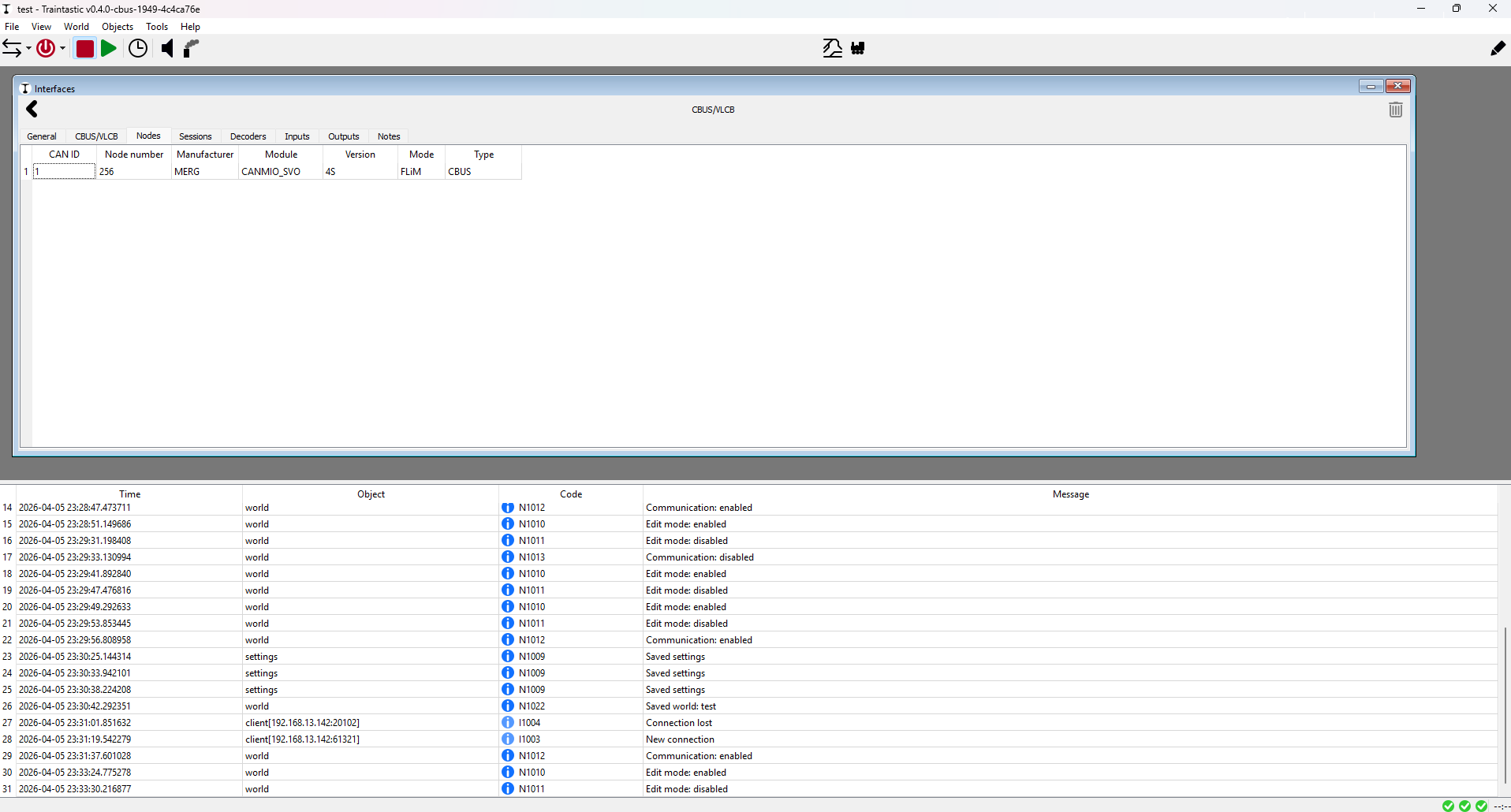
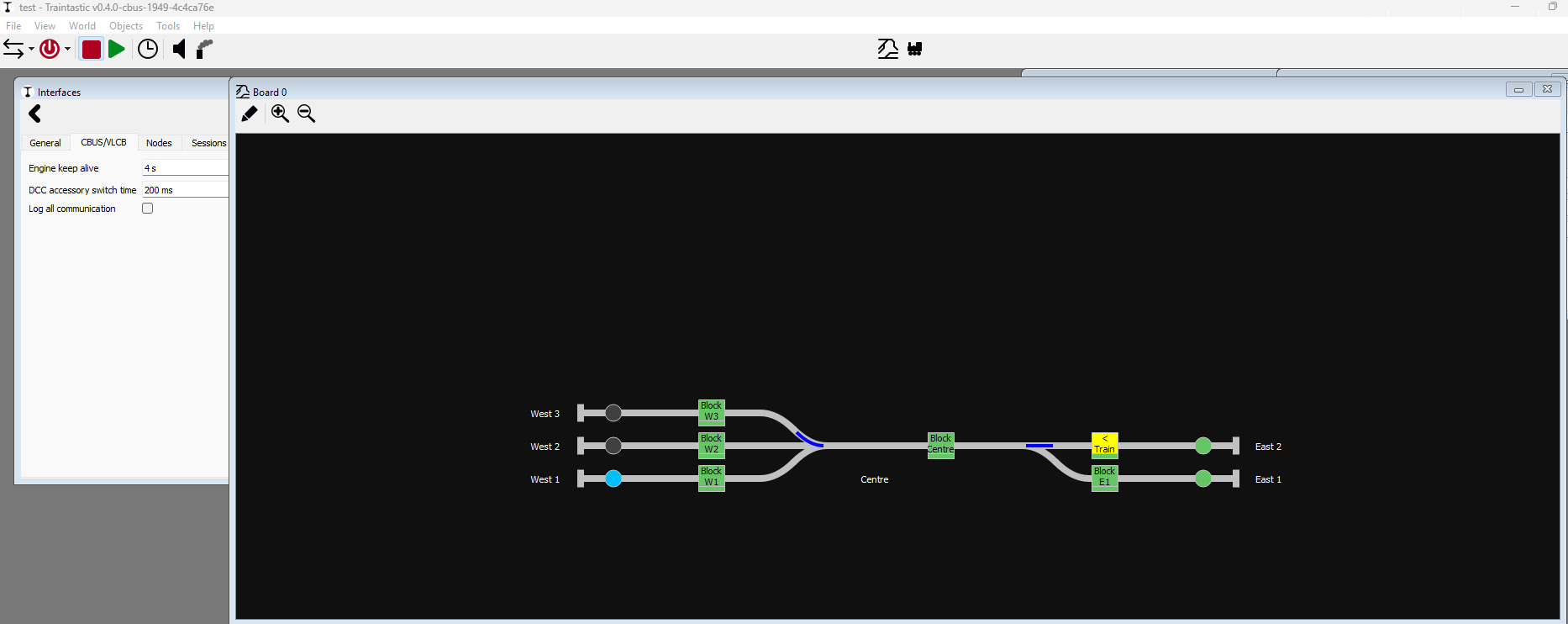
It looks like i only see 1 board detected and no log entries of failures.
Love the absence of errors. However why are the other elements not reporting?
… strange
Food for thought:
If you have powered off in the GUI, should we present the world of sensors in dark → no info?
Reason: I just powered on and everything seems fine..
Except it is not → ghosts + some sensors seem to have lost reference to their CBUS nodes ( potentially due to switching from USB ↔ Ether while deleting the interface in previous versions … )
… that might be my wrongdoing but in this case slightly confusing?
What makes even less sense to me:
World is powered on, track power is switched off at the command station
Expectation: no power to tracks → sensors should not be showing occupancy.
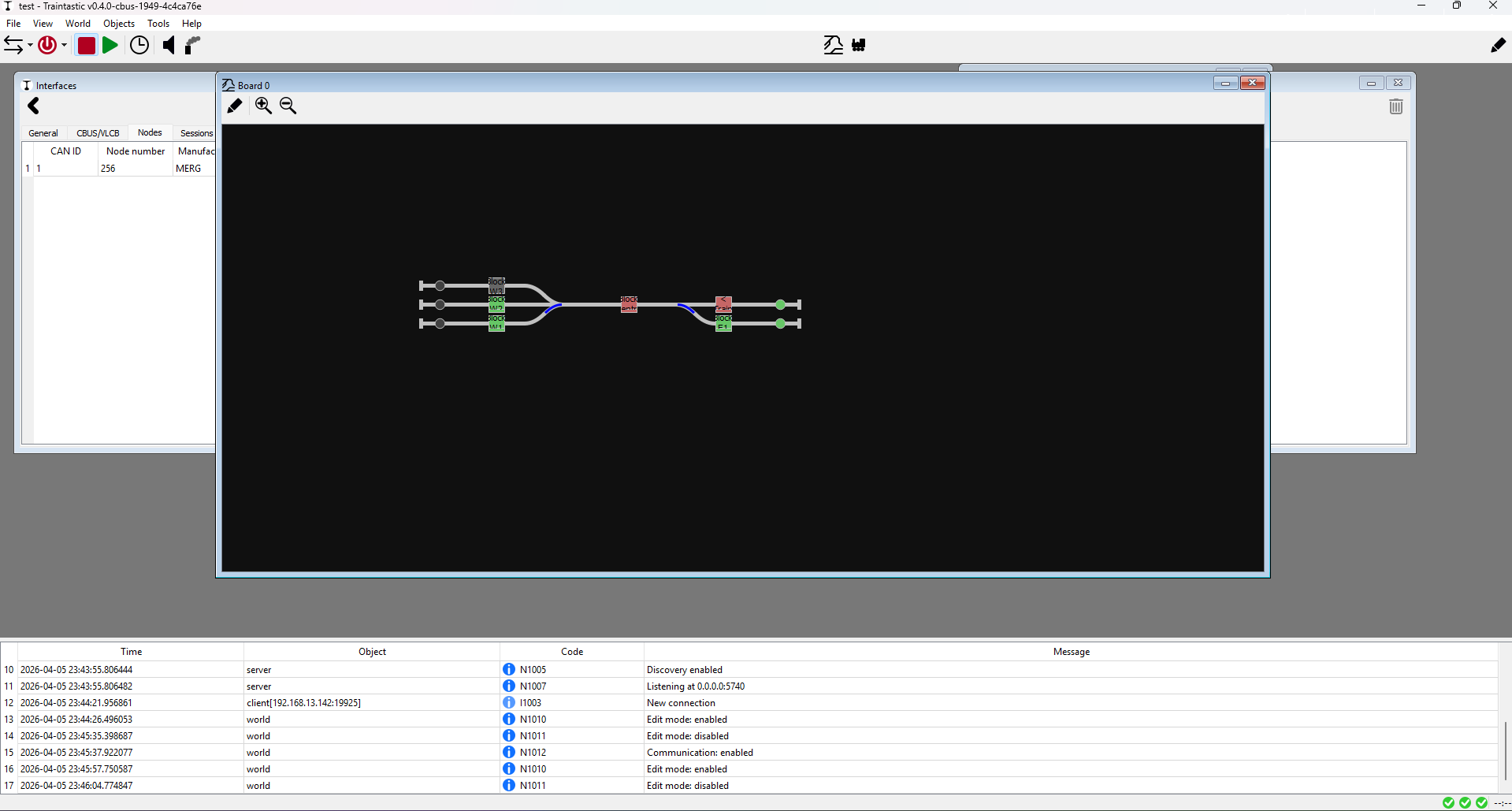
Block East 2 shows YELLOW with a train; except there is no longer a train defined
After checking ports + screens no port 5550 up and no quick visible spots where to configure. I may be holding it wrong / be to early to ask
User root is only for system administration, not for software development! The warning tells you a security issue and the file couldn’t access from other users.
The trains remain stationary on the tracks even without power. If the sensors are independent of DCC, why shouldn’t anything be displayed?It is even an advantage over control with DCC that switch positions, occupancy information, etc. can be displayed.
Especially if you have multiple devices ( DCC-EX, CAN-USB, hand-rolled sensors/ CMRI / Servo controllers etc ) the bouncing around of devices becomes problematic [ been there … ]
I know this is an advanced topic but if at least Traintastic would be kind anough to work with symlinks if if where to filter based on /dev/ttyACM* …
JMRI allows that naming scheme without hiccups.
Bigger problem:
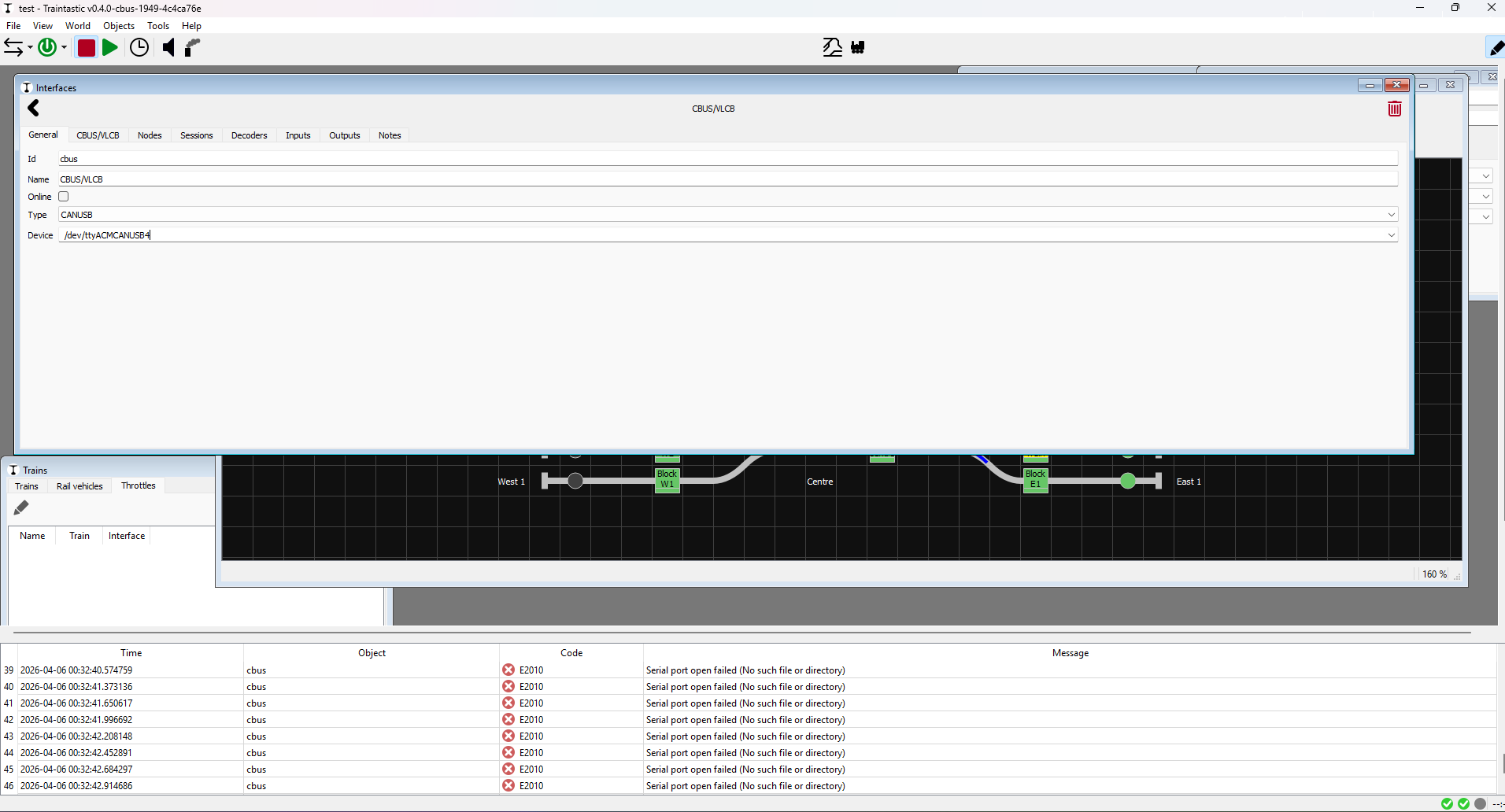
I changed my CANUSB from ethernet to /dev/ttyACM0. Ofourse it fails to come online. Fine; Save & reboot so nothing claims the port.
Surprise: Traintastic fails to start and it is the only thing that is claiming USB ports.
Nothing special in the logfiles:
Traintastic shows a block red/green based in the reported sensor values, this in independent of the track signal, there are systems that can detect a train even if there is no track power. Blocks are yellow if they are reserved by a train. A train must always in at least one block. Normally if a block goes from “red” to “green” the train has left the block (if it is the tail block), if a train is in a single block and it goes “green”, the block stays “yellow”, else the train would be vanished, you have to explicitly remove a train in that case. Else trains could disappear easily e.g. due to bad contact causing sensor triggering.
It looks like i only see 1 board detected and no log entries of failures.
Can you enable communication debug logging? That will help to see what is missing.
some sensors seem to have lost reference to their CBUS nodes ( potentially due to switching from USB ↔ Ether while deleting the interface in previous versions … )
If you delete an interface all linked sensors are lost, as the interface no longer exists.
After checking ports + screens no port 5550 up and no quick visible spots where to configure. I may be holding it wrong / be to early to ask
Do you mean for the Hub feature? It is not yet available, still working on it, it might take a few days (depending on how much time I have), I’m working on a more generic solution that I can reuse for other CAN based protocols as well (e.g. MarklinCAN and future OpenLCB/LCC)


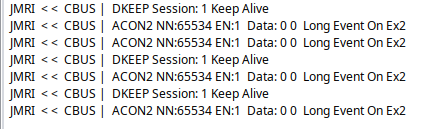
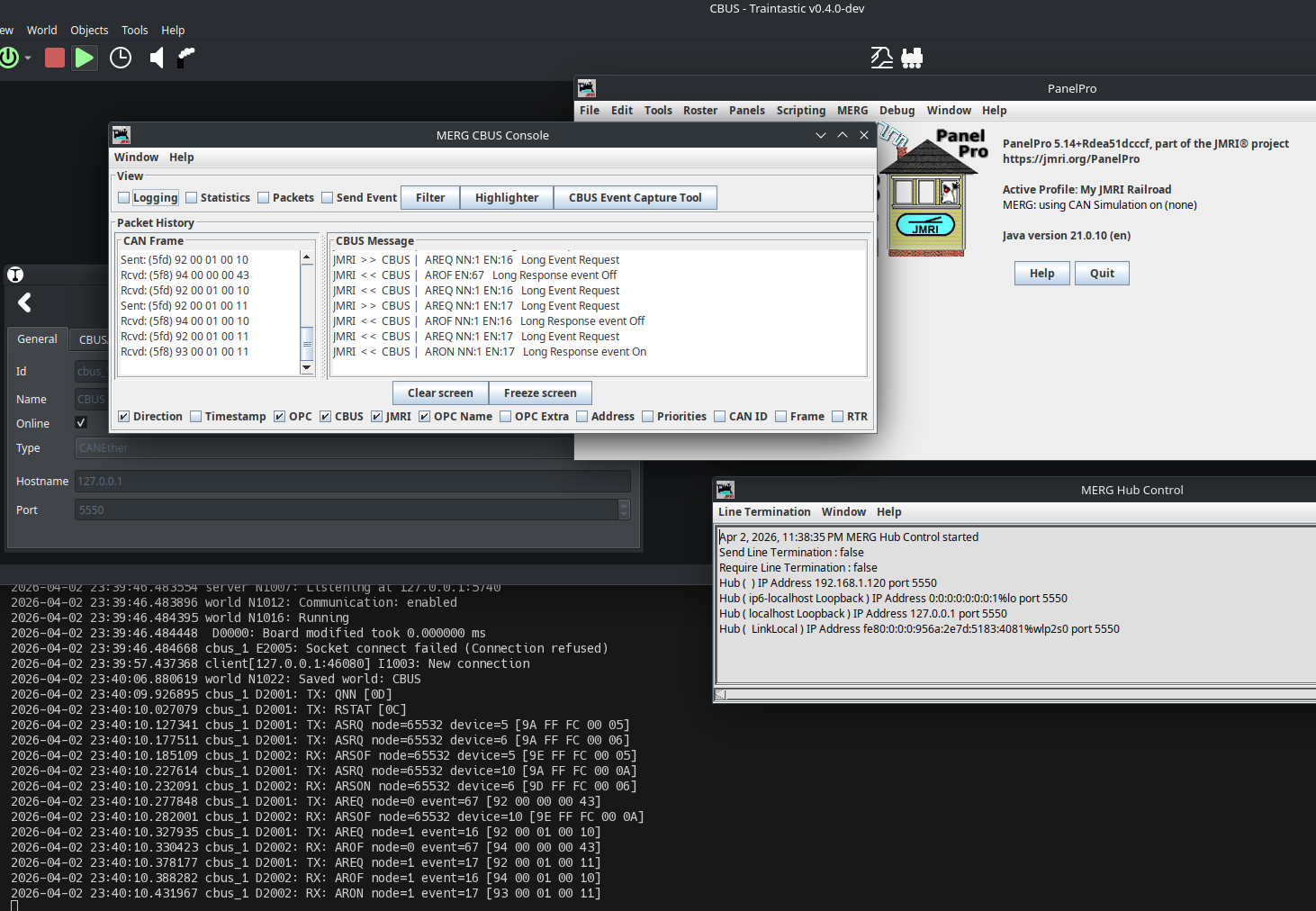
 I made a tcpdump, beginning with the start of Traintastic.